- Editor
- What people make with it
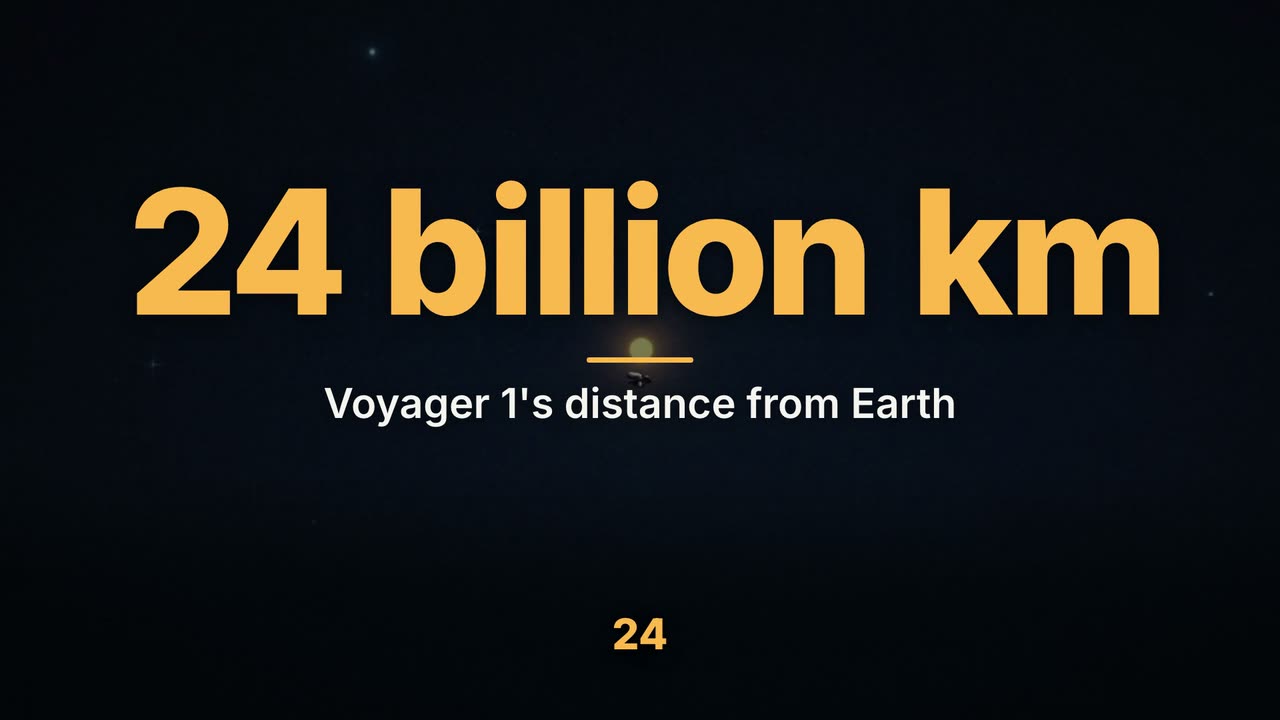 Faceless YouTube videosWrite the narration and our AI makes the faceless video: a picture for every line, a narrator's voice, motion graphics and captions, up to 15 minutes.
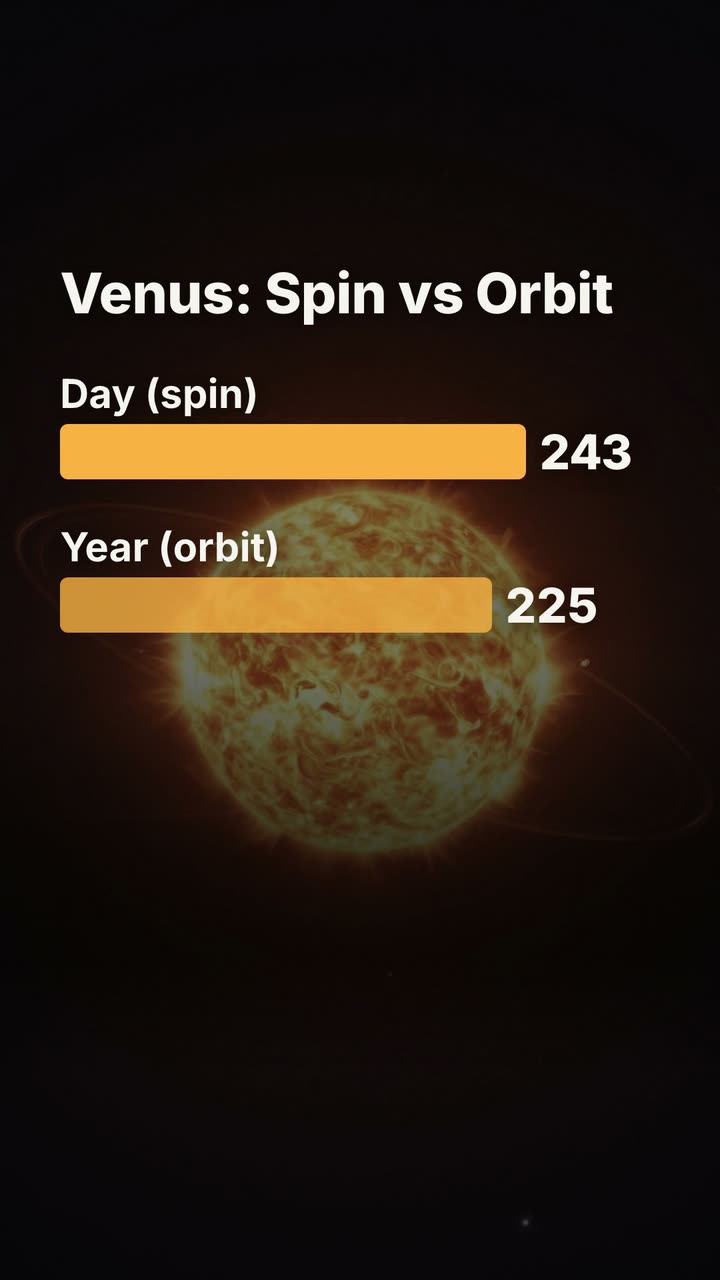 YouTube ShortsWrite a 15-second fact and get a finished vertical Short: 1080×1920, a picture for every line, a narrator and big captions. Then make the next one.
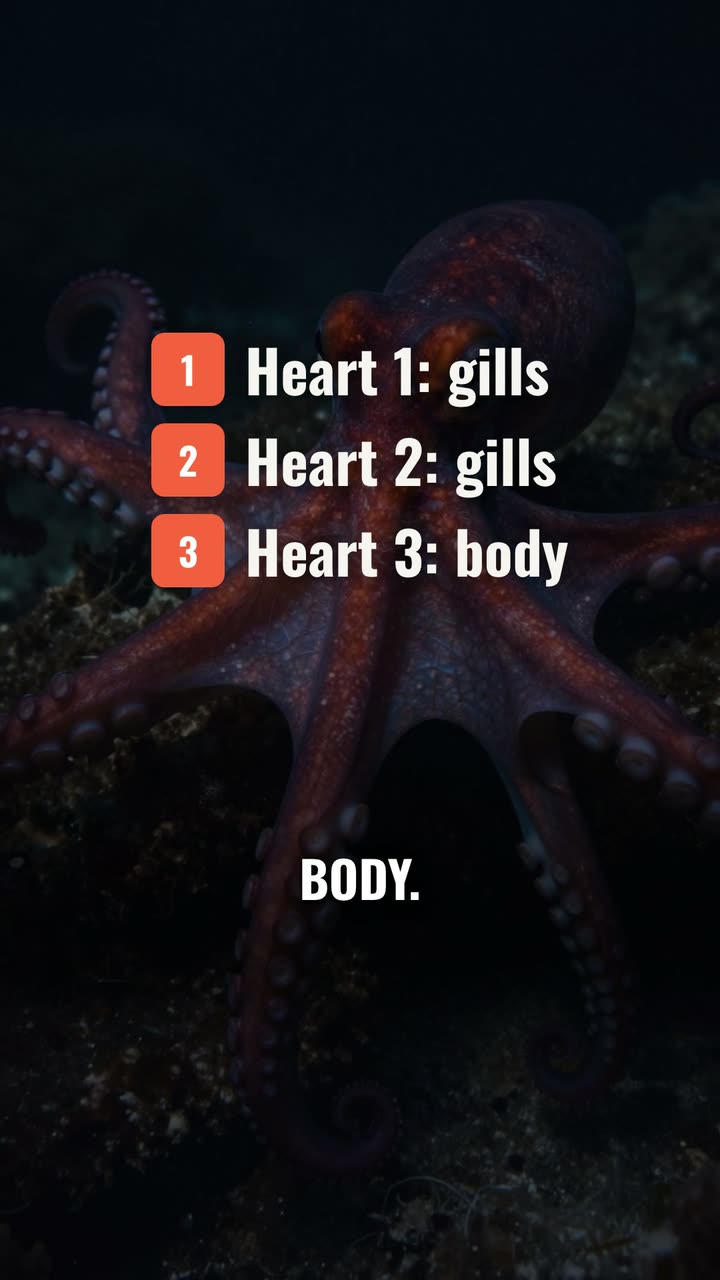 TikTok videosDrop in your clips and say the edit: cut the pauses, add one-word captions, put a hook on the first second, keep it clear of TikTok's buttons. Then export.
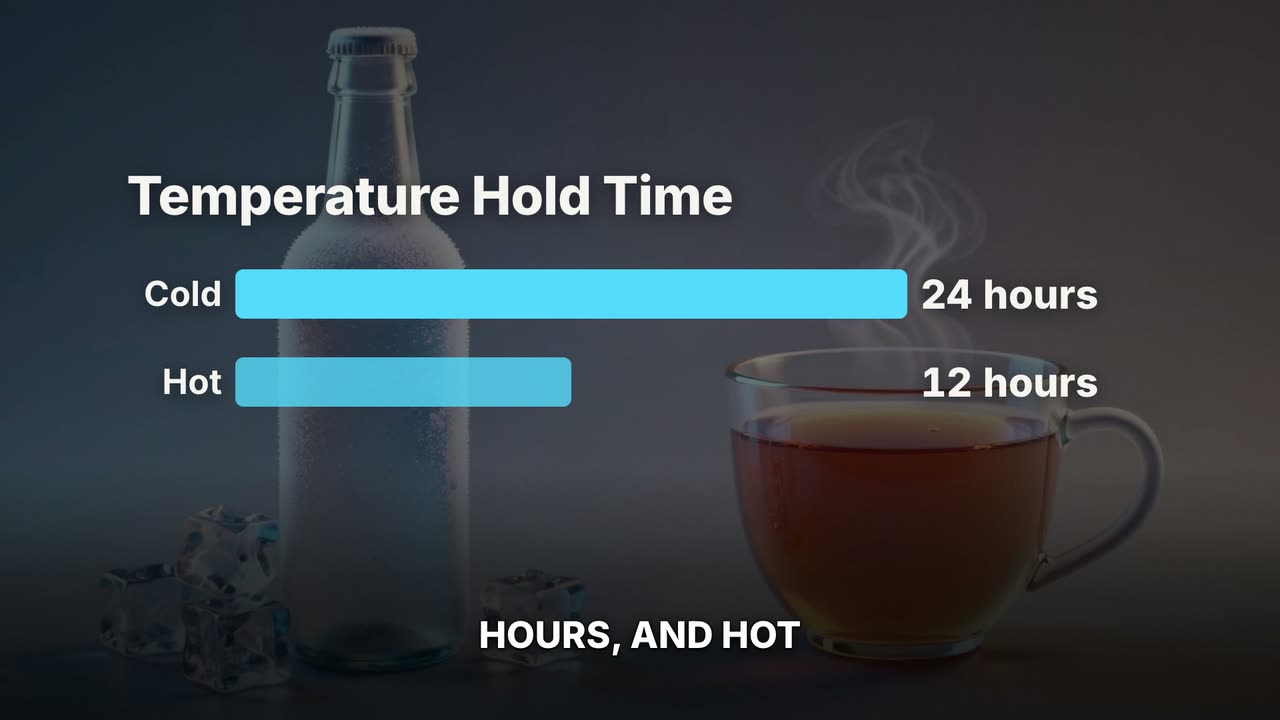 Product videosTurn a product's story into a launch video: feature cards, the numbers on screen, a narrator and a clean close with the name. Vertical or landscape.
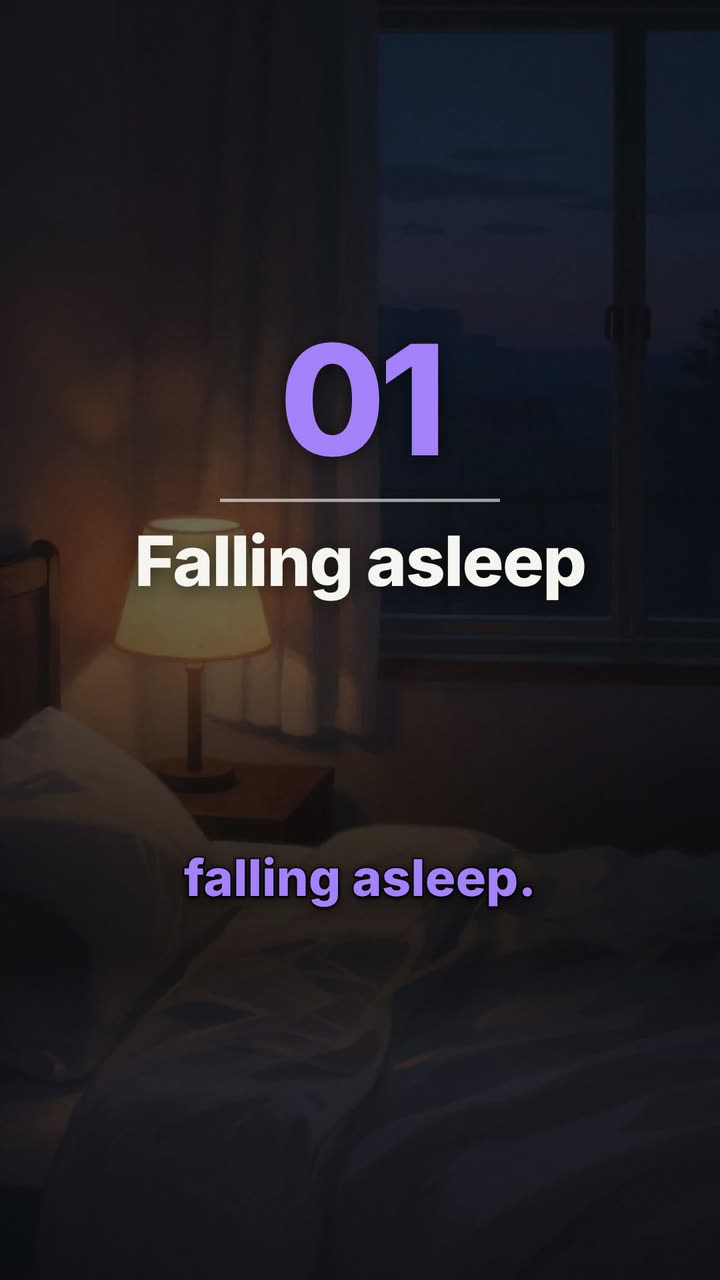 Explainer videosExplain how something works in a minute: a picture for each step, chapter cards, numbers on screen and a calm narrator. Vertical or landscape.
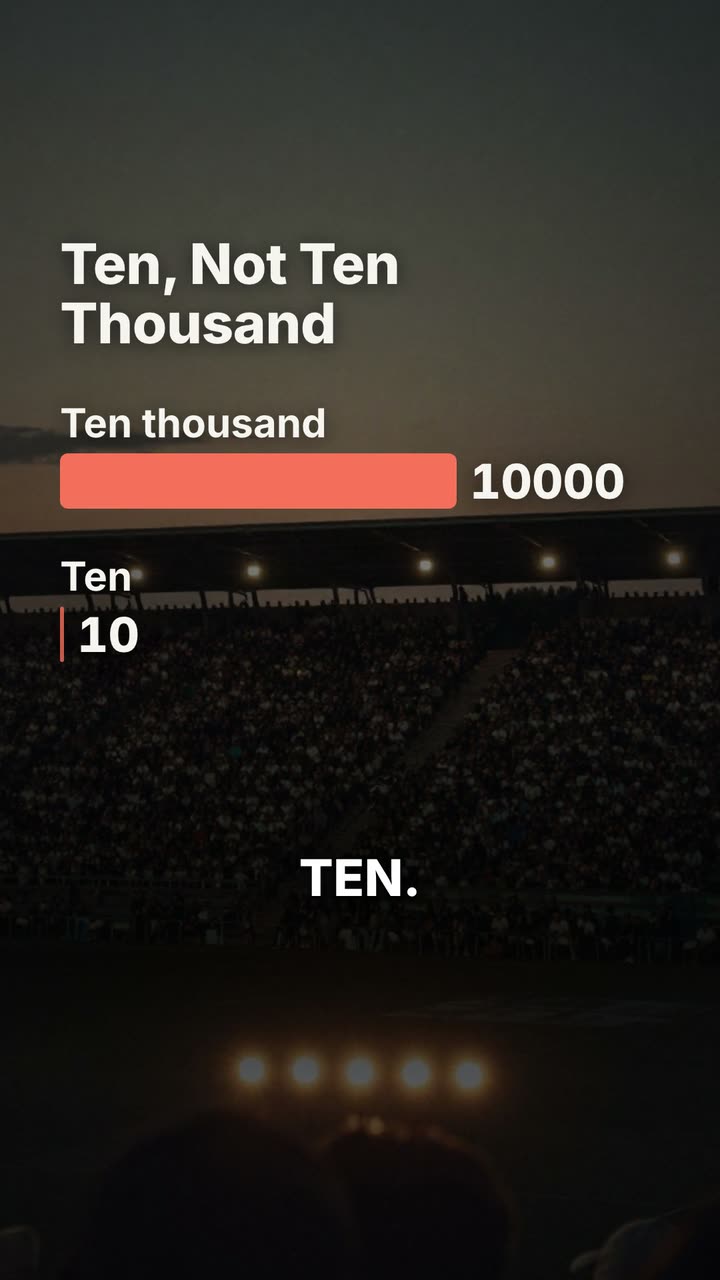 Podcast clipsCut the best minute of an episode into a vertical clip: the dead air removed, captions word by word, the guest's name in a lower third, ready to post.
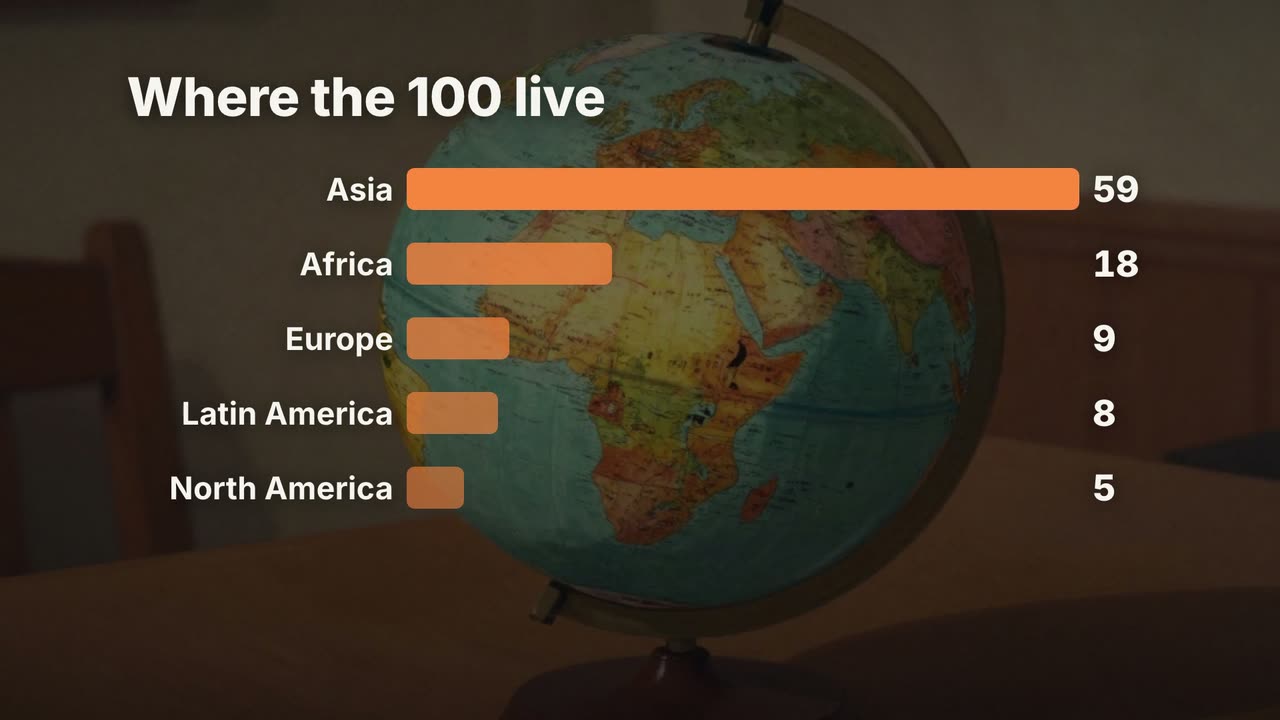 Data videosTurn statistics into a video: counting numbers, bar charts built from your figures, a line graph for the trend and a narrator who makes the point.
 Real estate videosMake a listing video in minutes: the address, each room with its best detail, the price and contact on screen, narrated. Use your listing photos or footage.
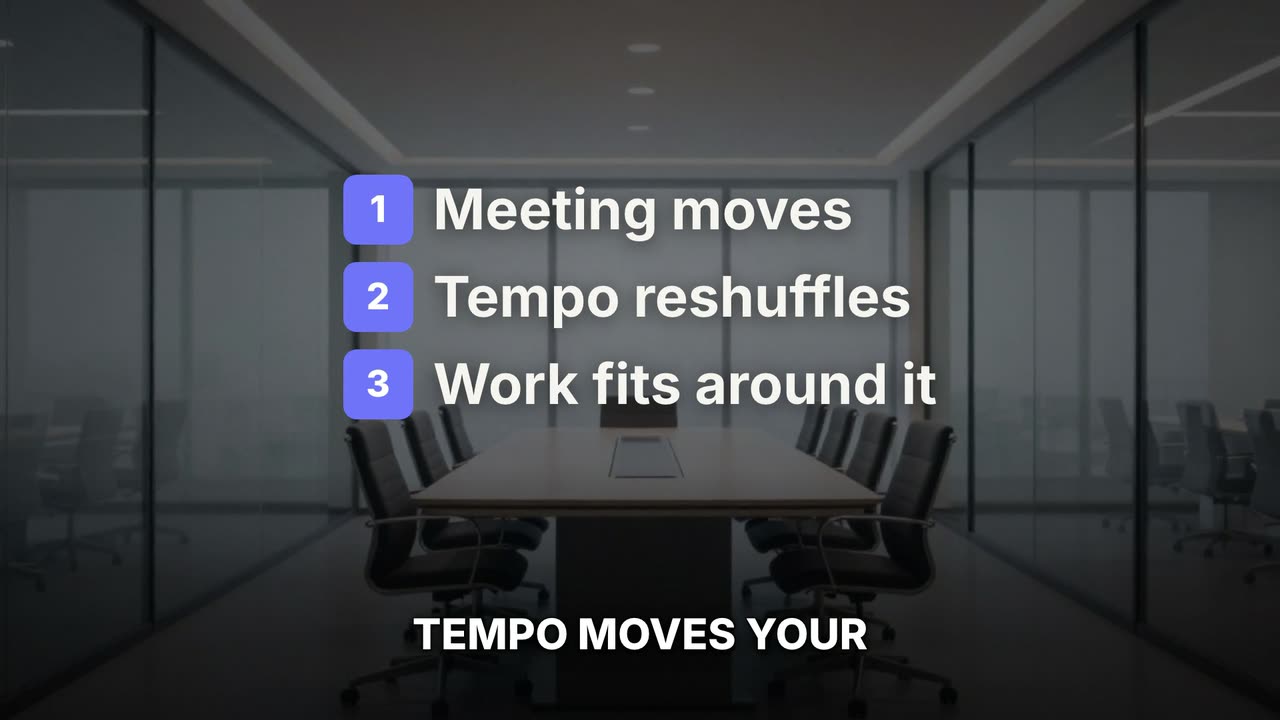 App demo videosShow how your app works in 30 seconds: your screen recordings cut to the voice, callouts on each feature, captions and a closing card with the name.
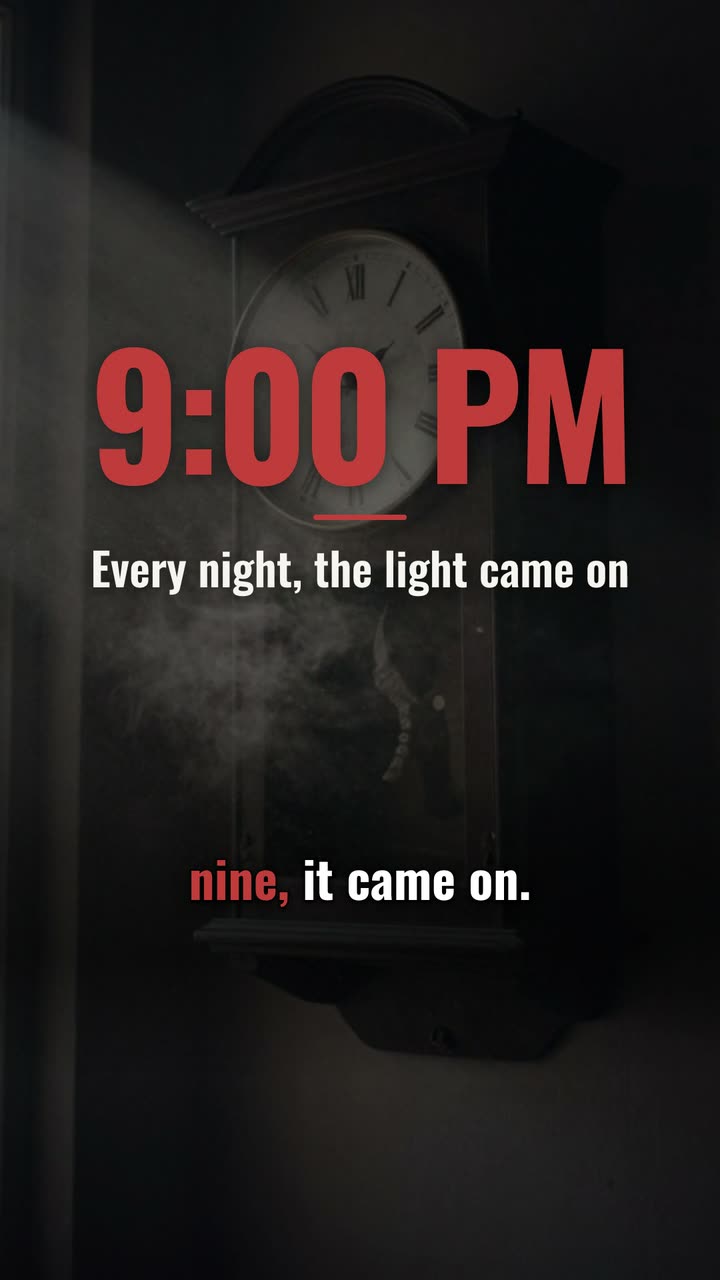 Mystery videosTell an unsolved story the way mystery channels do: a low narrator, one eerie picture per beat, slow camera moves and captions that land each line.
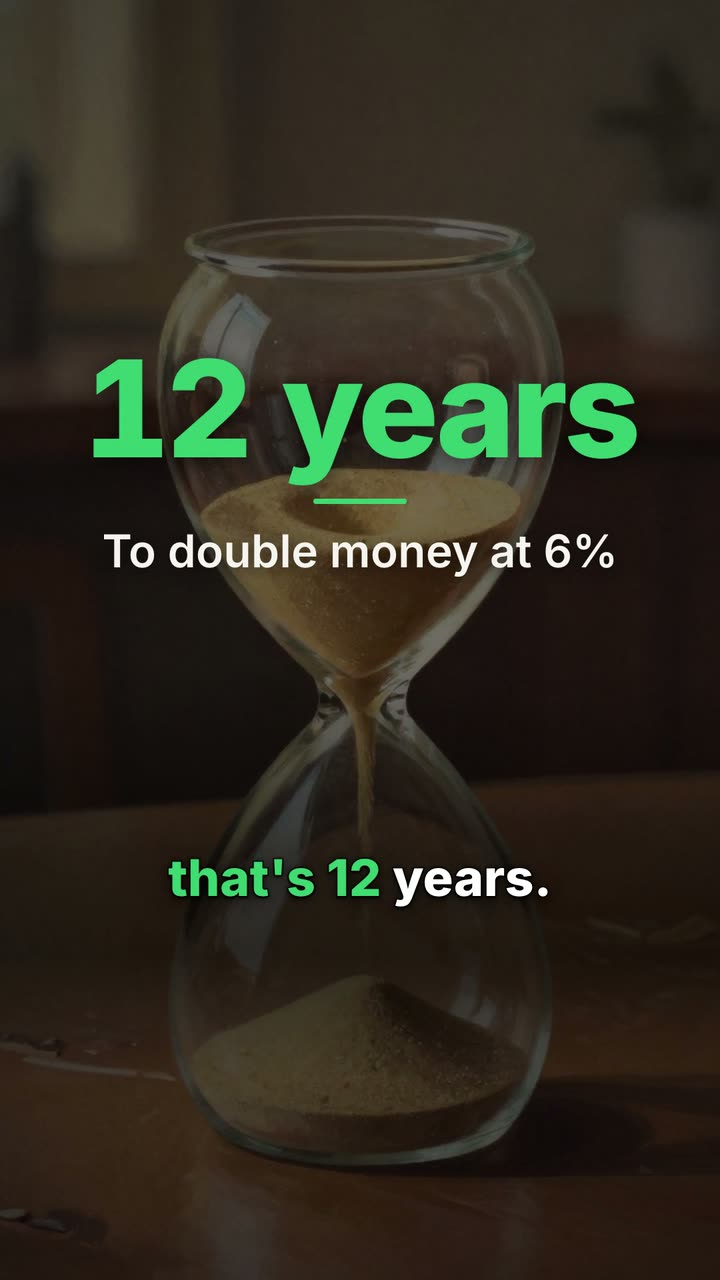 Finance explainersExplain a money idea in under a minute: the rule, the example worked out on screen, and a calm voice. Count-ups, comparisons and charts from your numbers.
More on UGCLive Editor
- FeaturesEdit by chat, cut silences, add animated captions and motion graphics, turn a script into a video with narration, and export for YouTube, Shorts and TikTok.
- Templates156 motion graphics templates: lower thirds, kinetic titles, charts, maps, transitions, outros, code and carousels. Type your words and render them in.
- ComparisonsHonest comparisons with Clipchamp, Kapwing, InVideo, Pictory, Synthesia, ChatCut, Descript and CapCut: what each does best, checked on their own sites.
- Video editing guidesPractical guides for YouTube and short-form creators: faceless channels, Shorts, scripts, lower thirds, end screens, jump cuts and the best AI video editors.
Make your next video
Upload a video or paste a script, then say the edit. Our AI makes it on a timeline you can still change.
Try for free