- Editor
- Guides
 AI video editors comparedEight AI video editors side by side: what each one is best at, who it suits and what its own pricing page says, checked October 29, 2026.
 Start a faceless channelStart a faceless YouTube channel step by step: pick a niche, write scripts, make the videos without a camera, and post on a schedule you can keep.
 Faceless channel ideasFifteen faceless YouTube channel ideas, each with what the videos look like, a sample opening line and a finished example video you can copy.
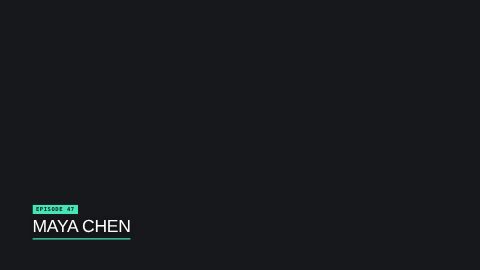 Lower thirds explainedA lower third is the name-and-title graphic in the bottom part of the frame. What it's for, the styles, timing rules and how to add one in seconds.
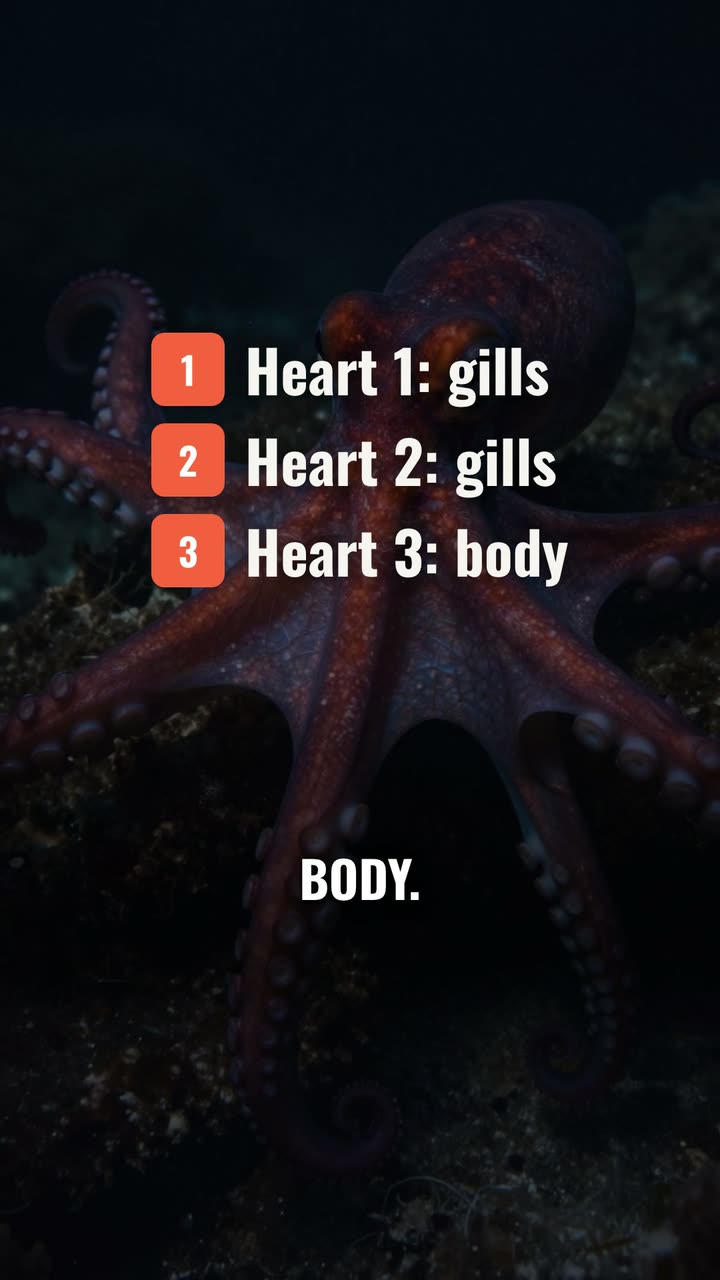 Making YouTube ShortsMake a YouTube Short from idea to upload: the size, the length, a hook in the first second, captions, and how to make one from a script without filming.
- YouTube automationWhat YouTube automation really means, which parts you can hand to AI or a team, what YouTube's rules say about mass-produced videos, and a weekly workflow.
 YouTube script templateA fill-in YouTube script template for long videos and Shorts: the hook, the promise, chapters, the payoff and the close, with real examples of each part.
- HyperFrames explainedWhat HeyGen's open-source HyperFrames is, how its HTML compositions render to MP4, what's in its block library, and how to use its templates without code.
 YouTube end screensYouTube end screen rules (5 to 20 seconds, up to four elements, 25-second minimum), how to add one in YouTube Studio, and how to design the outro behind it.
- Jump cut editingA jump cut removes a slice of time from one shot. Where it came from, why YouTube made it normal, and how to cut pauses without it looking choppy.
More on UGCLive Editor
- FeaturesEdit by chat, cut silences, add animated captions and motion graphics, turn a script into a video with narration, and export for YouTube, Shorts and TikTok.
- Use casesFaceless YouTube videos, Shorts, TikToks, product videos, explainers, podcast clips, data stories, home tours and app demos, each with a finished example.
- Templates156 motion graphics templates: lower thirds, kinetic titles, charts, maps, transitions, outros, code and carousels. Type your words and render them in.
- ComparisonsHonest comparisons with Clipchamp, Kapwing, InVideo, Pictory, Synthesia, ChatCut, Descript and CapCut: what each does best, checked on their own sites.
Make your next video
Upload a video or paste a script, then say the edit. Our AI makes it on a timeline you can still change.
Try for free