- Editor
- Motion graphics templates
Motion graphics templates
Our own blocks and HeyGen's open-source HyperFrames library, in one place.
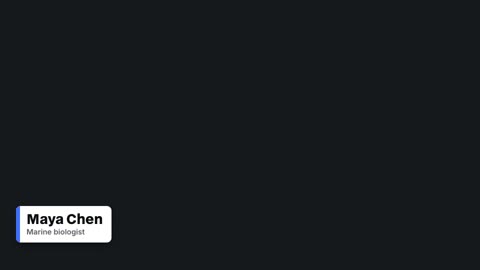
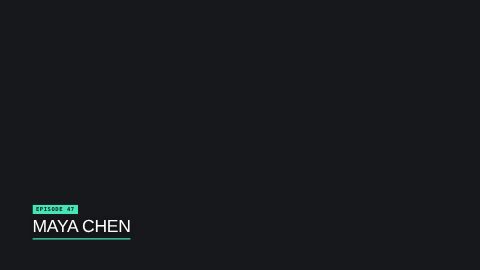

- Lower thirds15 animated lower third templates for interviews, podcasts and explainers. Type the name and role, pick your colour, and render it over your video.
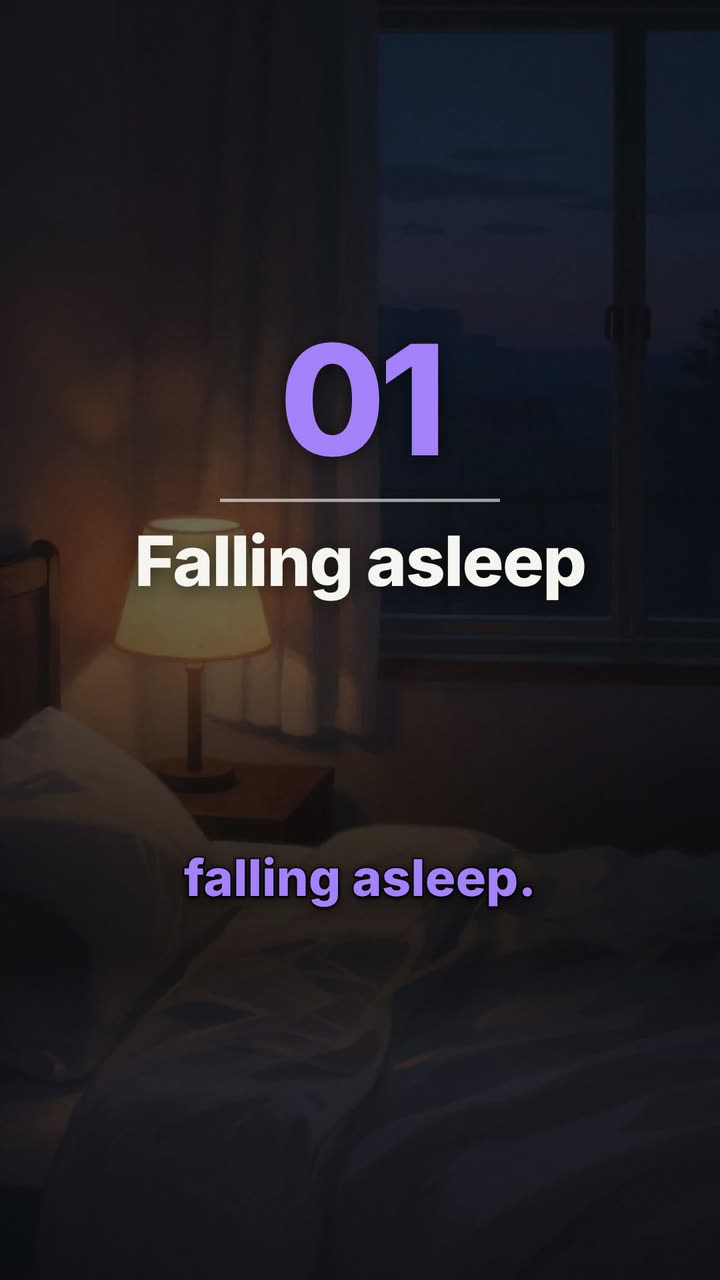 Text animationsAnimated titles, kinetic words, typewriter text, handwritten titles and chapter cards. Type your words and render them into your video.
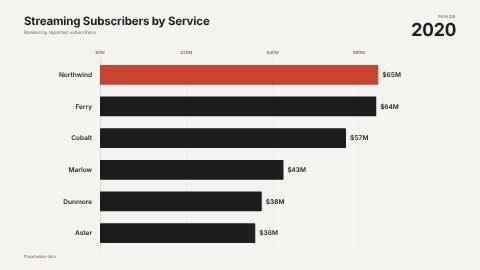
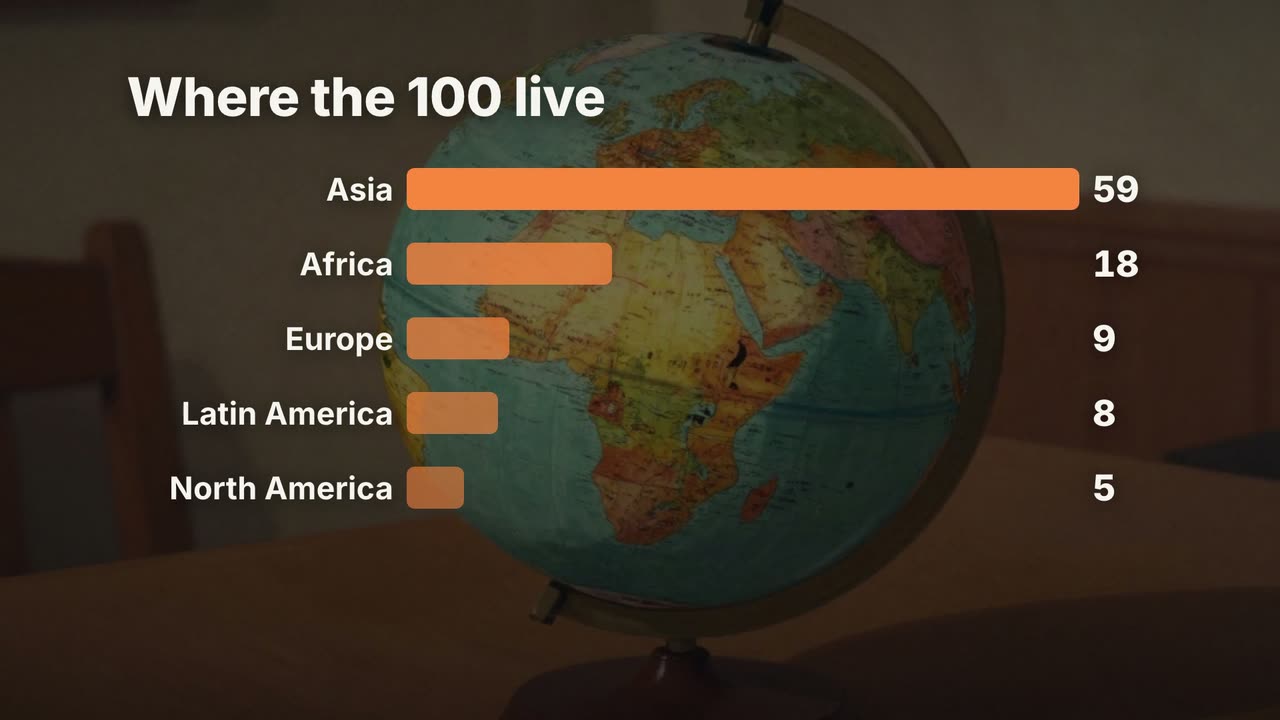 Charts and countersNumber counters that count up, bar chart races, line graphs, progress rings and comparisons. Type the numbers and drop the chart into your video.
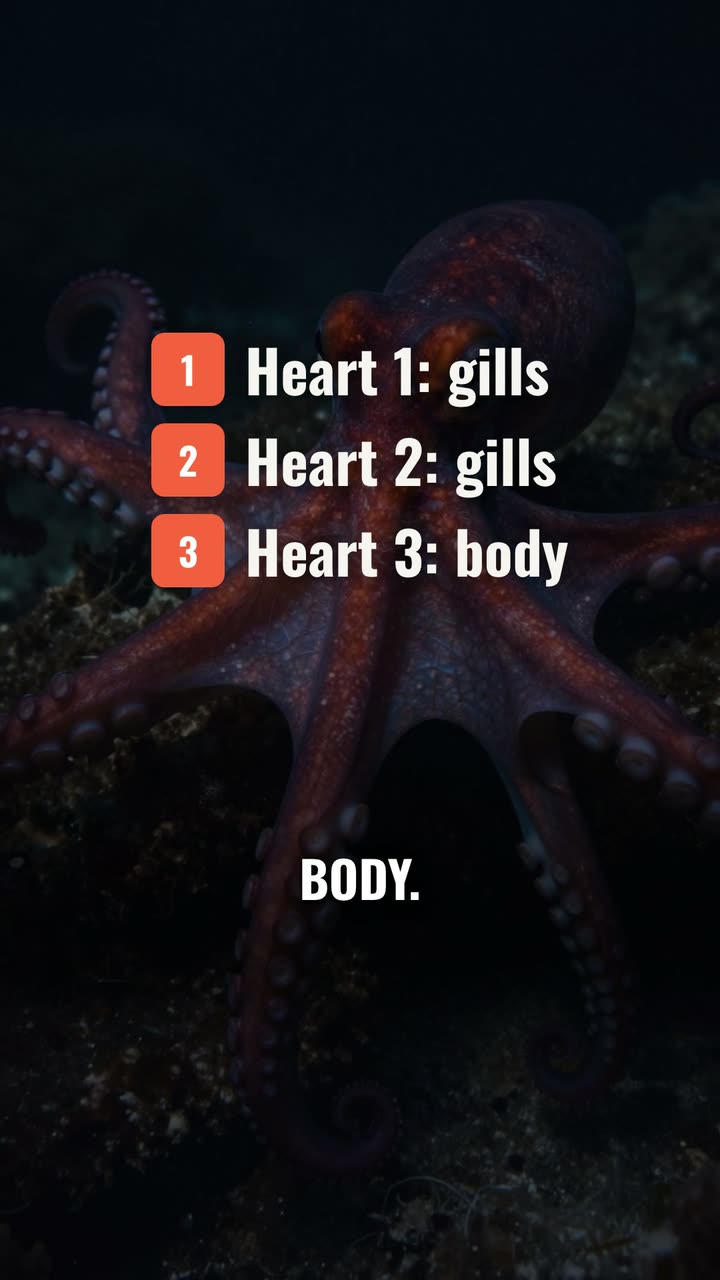 YouTube outros and introsAnimated YouTube outros, logo intros, follow cards and subscribe calls to action. Type your channel name and add the ending to any video.
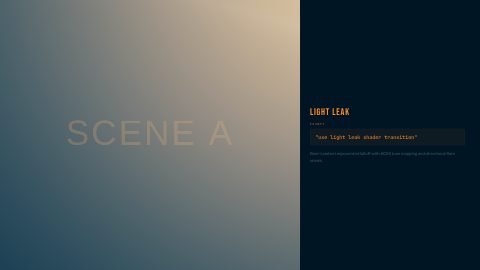
 TransitionsShader transitions, light leaks, glitches, whip pans and full transition sets. Drop one between two shots and render it into your video in the editor.
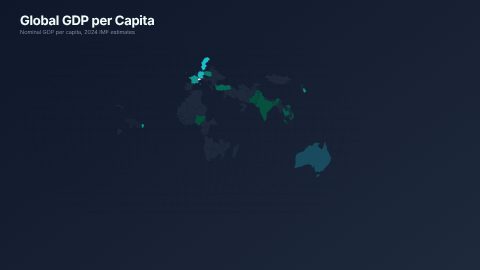
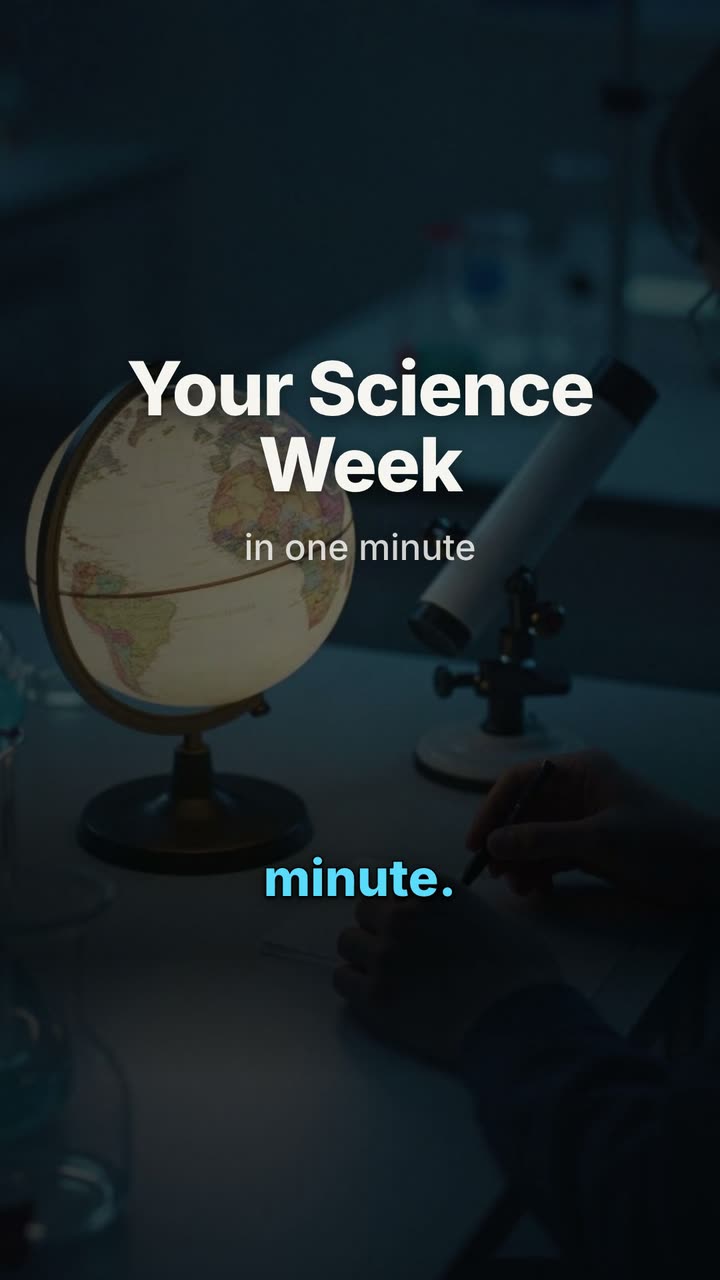 Animated mapsAnimated world, US and Spain maps, bubble and flow maps, and a flight route between two cities, ready to add to history, travel and data videos.
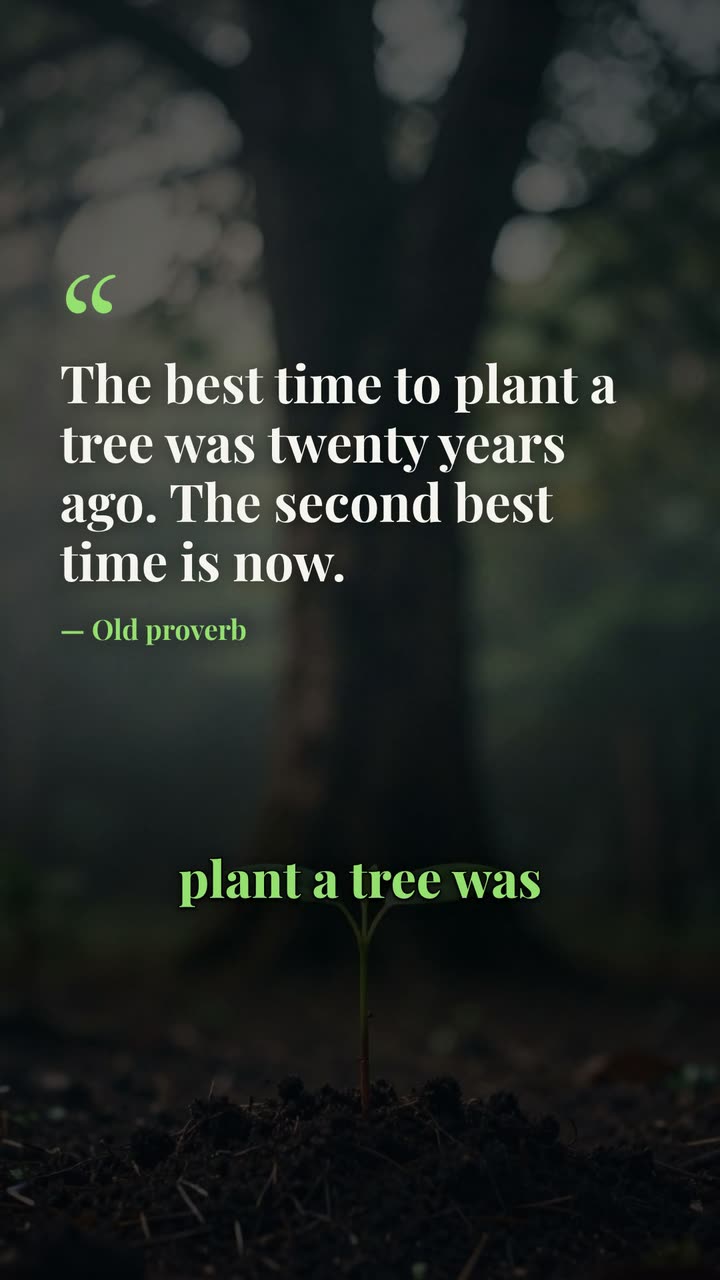 BackgroundsAnimated motion backgrounds for video: gradients, halftone fields, starfields, snow, galaxies and light flares, to put behind titles, quotes and talking points.
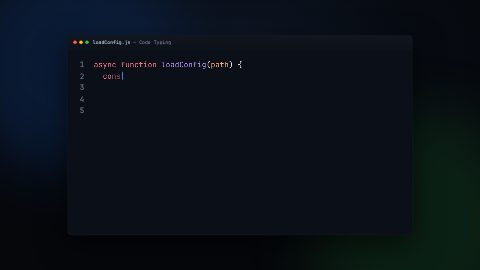
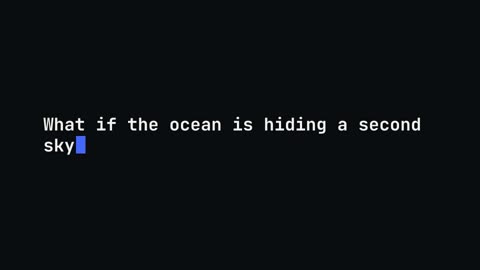 Code animationsCode typing, diffs, highlight sweeps, scroll-to-line, morphing refactors and terminal snippets, animated for developer tutorials, launches and dev YouTube.
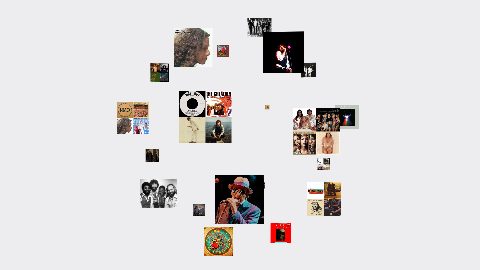
- Photo carouselsCircle, orbit, path and 3D carousels that put your photos in motion, with or without a title. Swap in your pictures and add the carousel to your video.
More on UGCLive Editor
- FeaturesEdit by chat, cut silences, add animated captions and motion graphics, turn a script into a video with narration, and export for YouTube, Shorts and TikTok.
- Use casesFaceless YouTube videos, Shorts, TikToks, product videos, explainers, podcast clips, data stories, home tours and app demos, each with a finished example.
- ComparisonsHonest comparisons with Clipchamp, Kapwing, InVideo, Pictory, Synthesia, ChatCut, Descript and CapCut: what each does best, checked on their own sites.
- Video editing guidesPractical guides for YouTube and short-form creators: faceless channels, Shorts, scripts, lower thirds, end screens, jump cuts and the best AI video editors.
Make your next video
Upload a video or paste a script, then say the edit. Our AI makes it on a timeline you can still change.
Try for free