- Editor
- What the AI video editor does

- Chat editingType the edit in plain words: cut the pauses, add captions, swap the music, add a lower third. Our AI makes it on a real timeline, with one Undo.
- Silence removerCut every pause, um and retake from a talking video in one go. Our AI finds the dead air from the words and the sound, and you can still change every cut.
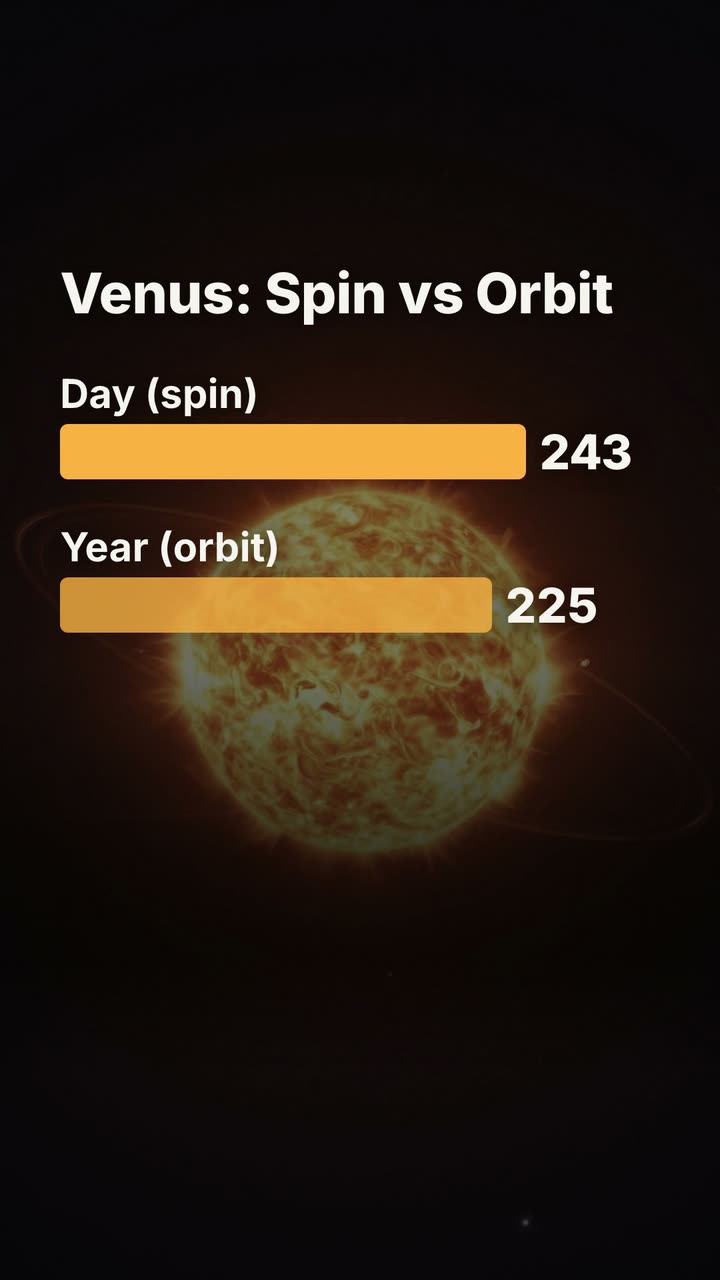 Animated captionsAdd captions timed to each word: karaoke fills, one big word at a time, a highlighted spoken word or a tag. Restyle them all at once or by chat.
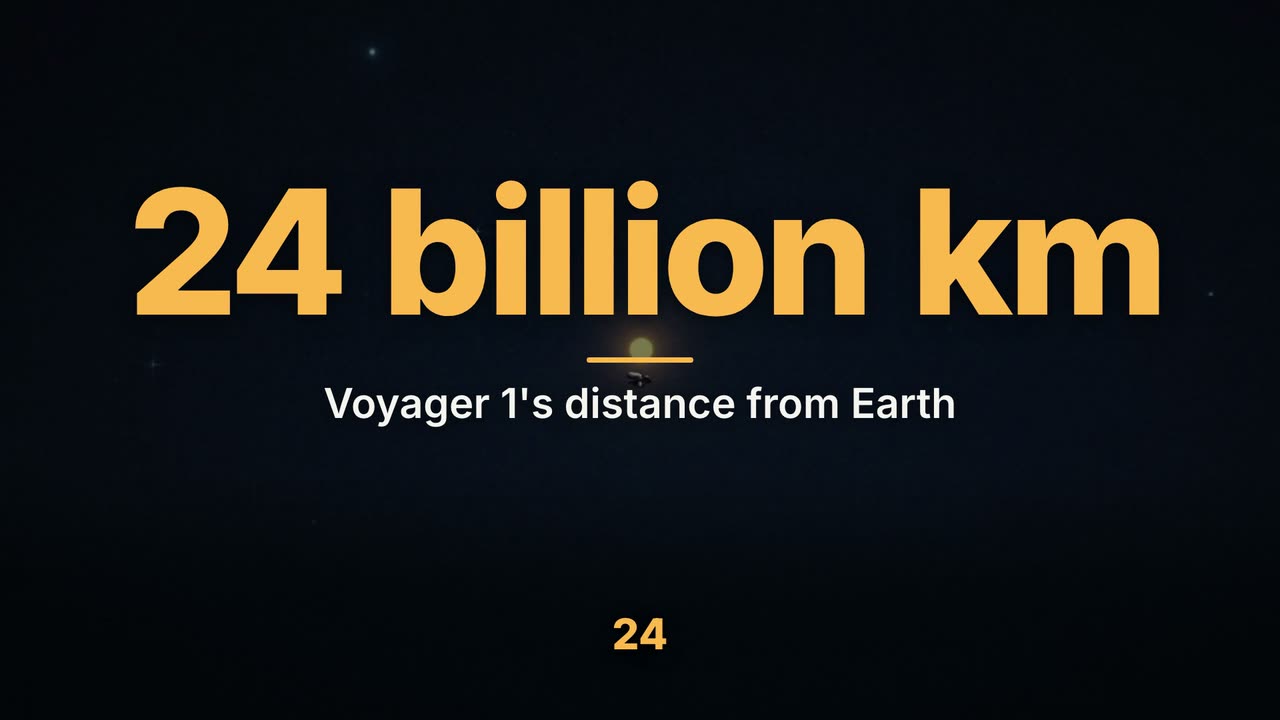 Script to videoPaste a script and our AI makes the video: a voice, a picture and motion graphics for every sentence, word-timed captions, up to 15 minutes long.
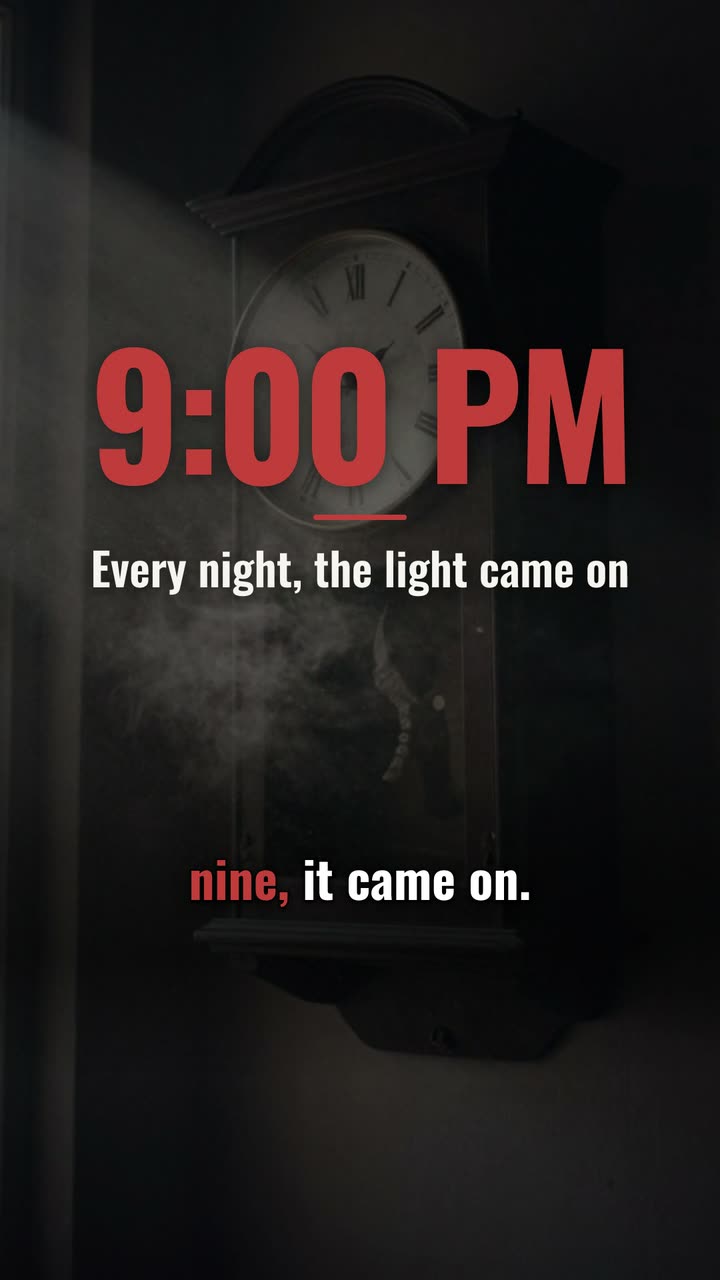 AI voiceoverNarrate any script in one of 130 AI voices, or your own recording. Speed from 0.8x to 1.25x, and captions that follow every word of the voice.
 Video sizesThe right size for every platform: 1920×1080 for YouTube, 1080×1920 for Shorts, TikTok and Reels. Make one video, then a copy in each shape.
More on UGCLive Editor
- Use casesFaceless YouTube videos, Shorts, TikToks, product videos, explainers, podcast clips, data stories, home tours and app demos, each with a finished example.
- Templates156 motion graphics templates: lower thirds, kinetic titles, charts, maps, transitions, outros, code and carousels. Type your words and render them in.
- ComparisonsHonest comparisons with Clipchamp, Kapwing, InVideo, Pictory, Synthesia, ChatCut, Descript and CapCut: what each does best, checked on their own sites.
- Video editing guidesPractical guides for YouTube and short-form creators: faceless channels, Shorts, scripts, lower thirds, end screens, jump cuts and the best AI video editors.
Make your next video
Upload a video or paste a script, then say the edit. Our AI makes it on a timeline you can still change.
Try for free