
Ours
Stinger
A one-second accent sweep with a word, between two parts of the video.
16:9 · 1 s · You change: wordTemplates
Between two shots: a cut is usually right, and when it isn't, these are.
A transition covers the change from one shot to the next. Most edits should just cut; a transition is for a change of place, time or tone. This set has single GPU shader transitions (light leak, glitch, ripple, iris, whip pan) and showcase sets with a dozen variations each (push, scale, blur, 3D, grid, mechanical).
Open Graphics in the editor to change any of them, see it play, and render it into your video.
A one-second accent sweep with a word, between two parts of the video.
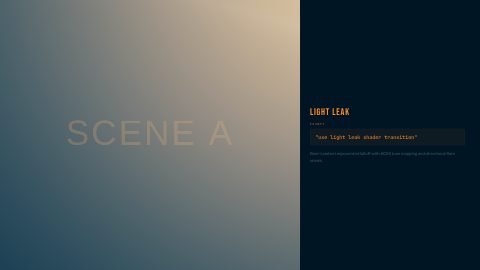
16:9 · 1 s · You change: wordShader transition with cinematic light leak overlay
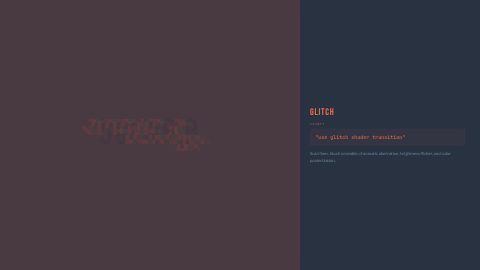
16:9 · 4 sShader transition with digital glitch artifacts
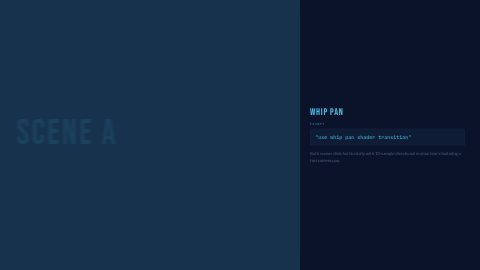
16:9 · 4 sShader transition simulating a fast camera whip pan
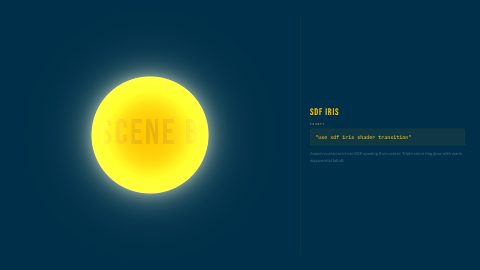
16:9 · 4 sShader transition with signed distance field iris reveal
16:9 · 4 s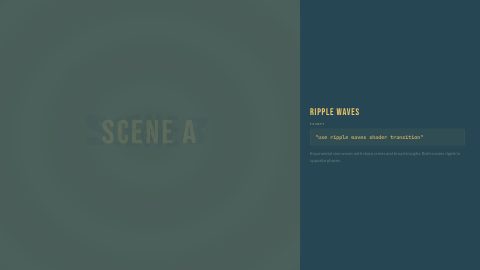
Shader transition with concentric ripple wave distortion
16:9 · 4 s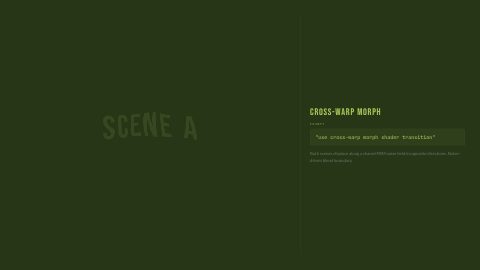
Shader transition with cross-warped morphing
16:9 · 4 s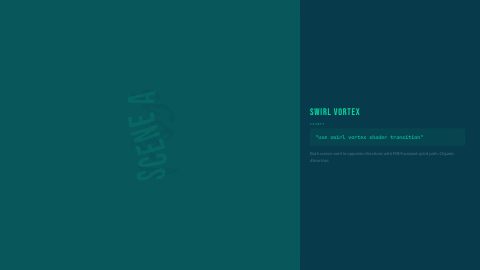
Shader transition with swirling vortex distortion
16:9 · 4 s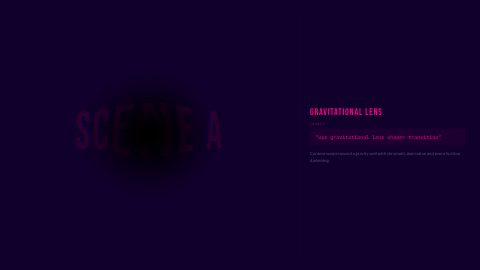
Shader transition with gravitational lensing distortion
16:9 · 4 s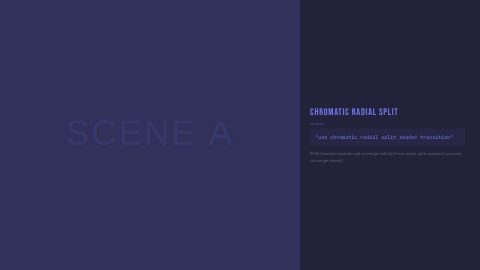
Shader transition with chromatic aberration radial split
16:9 · 4 s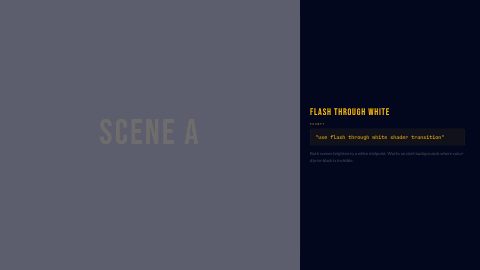
Shader transition with white flash crossfade
16:9 · 4 s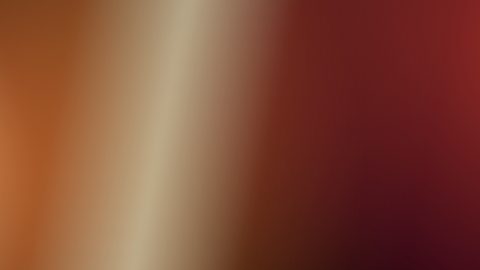
Finite CSS light-leak overlay for memory beats and motivated transitions
16:9 · 4 s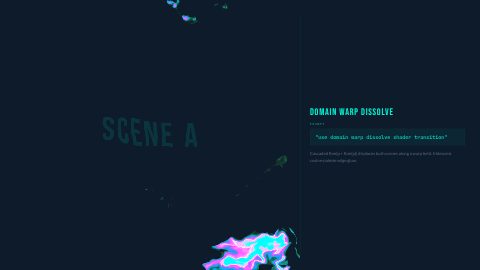
Shader transition with fractal noise domain warping
16:9 · 4 s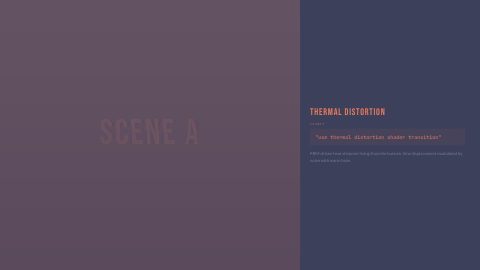
Shader transition with heat haze thermal distortion
16:9 · 4 s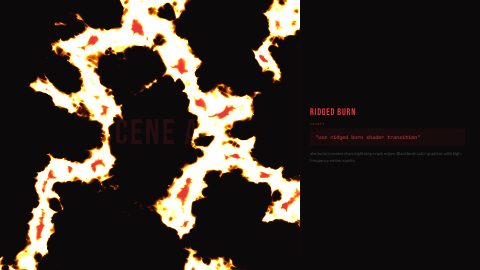
Shader transition with ridged turbulence burn effect
16:9 · 4 s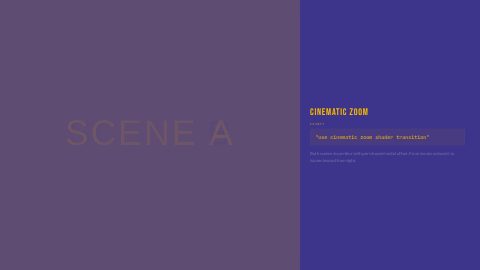
Shader transition with dramatic zoom blur
16:9 · 4 s
A beat-driven speed ramp, freeze-frame hit, and hard-cut sequence for music-led promos and montages.
16:9 · 6 s · You change: a kicker, a pill, b eyebrow, b sub…
Overlay transition: scribble bands accumulate to cover the frame with a solid backstop, the host cuts beneath, and the scribble clears
16:9 · 2 s
Finite neutral-warm light layers for a seek-safe camera-flash cut or social reveal
16:9 · 4 s
Showcase of push and slide transitions
16:9 · 24 s · You change: title label, title main, title count, outro label…
Showcase of scale and zoom transitions
16:9 · 15 s · You change: title label, title main, title count, outro label…
Showcase of blur-based transitions between scenes
16:9 · 20 s · You change: title label, title main, title count, outro label…
Showcase of 3D perspective flip and rotate transitions
16:9 · 11 s · You change: text
Showcase of light-based glow and flash transitions
16:9 · 21 s · You change: title h1, title sub, outro h2, outro tag
Showcase of grid-based tile transitions
16:9 · 11 s
Showcase of cover/uncover slide transitions
16:9 · 21 s · You change: title h1, title sub, outro h2, outro tag
Showcase of radial wipe and reveal transitions
16:9 · 20 s · You change: text
Showcase of mechanical shutter and iris transitions
16:9 · 15 s · You change: title label, title main, title count, outro label…
Showcase of destructive break-apart transitions
16:9 · 14 s · You change: title label, title main, title count, outro label…
Showcase of dissolve and fade transitions
16:9 · 24 s · You change: title label, title main, title count, outro label…
Showcase of warp and distortion transitions
16:9 · 21 s
Showcase of miscellaneous creative transitions
16:9 · 20 s · You change: title label, title main, title count, outro label…Blocks marked Ours are UGCLive's. The rest are from HeyGen's open-source HyperFrames registry (Apache-2.0, commit 1c3fcf4), with their authors' descriptions.
| The change | Try |
|---|---|
| Jump in time ("three years later") | Light leak, flash through white |
| Energy up, a reveal | Whip pan, glitch, chromatic radial split |
| Dreamy or memory | Organic light leak, domain warp dissolve |
| Technical or sci-fi | Gravitational lens, thermal distortion, ridged burn |
| Playful, hand-made | Scribble transition |
These run on the GPU in the render, so they bend the picture itself rather than sliding a box over it: a ripple that ripples your footage, an iris that opens on the next shot. Each runs about four seconds; the cut sits in the middle.
The sets are reels of a style's variations (push, scale, blur, cover, radial, light, 3D, grid, mechanical, destruction, dissolve, distortion). They're useful to see a style move before you pick, and some creators cut a single move out of a set on the timeline.
No. Most professional edits use straight cuts almost everywhere and keep transitions for a change of time, place or mood. Too many transitions make a video feel slower.
The single transitions here run about four seconds with the change in the middle; trim the clip on the timeline to make it quicker.
They're drawn 16:9. In a 9:16 Short they're fitted or cropped to the frame, so check the preview before you export.
Updated 29 October 2026
Upload a video or paste a script, then say the edit. Our AI makes it on a timeline you can still change.
Try for free