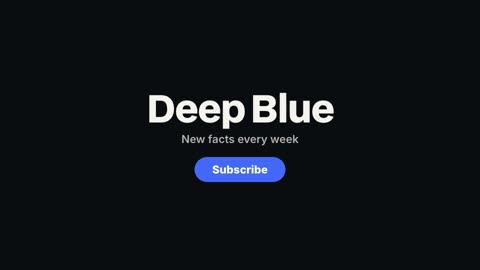
Ours
Outro
Your name, a line and a call to action, assembled at the end of the video.
16:9 · 4 s · You change: name or brand, line, buttonTemplates
Open with your name, close with a reason to subscribe.
An outro is the last few seconds of a video: your channel's name, one line, and what to do next. These templates build it for you, with your accent colour, and the logo intros do the same at the start. Pair an outro with YouTube's own end screen elements for the clickable videos.
Open Graphics in the editor to change any of them, see it play, and render it into your video.
Your name, a line and a call to action, assembled at the end of the video.
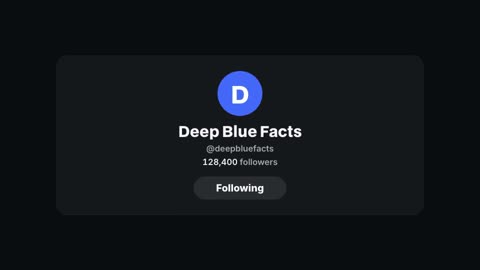
16:9 · 4 s · You change: name or brand, line, buttonYour handle with a Follow button that gets pressed and a follower count that ticks up.
16:9 · 4 s · You change: name, handle, followers
A kicker, a headline that rises in word by word, and a line under it.
16:9 · 4 s · You change: small line above, headline, line under it
A one-second accent sweep with a word, between two parts of the video.
16:9 · 1 s · You change: wordCinematic logo reveal with piece-by-piece assembly, glow bloom, tagline fade-in, and URL pill
16:9 · 6 sLogo stamp pops on a lined board, a kicker line gives way to the title with an accent arrow chip; seeded line distortion
16:9 · 6 s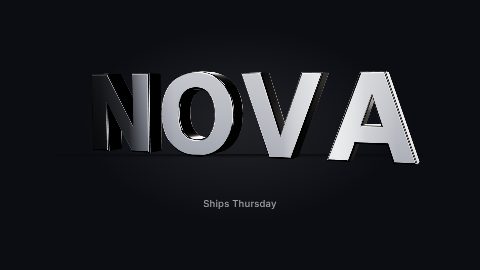
Beveled 3D letters flip up one by one, the word swings so light runs across the bevels, then settles for a readable hold. Chrome, gold or matte.
16:9 · 5 s · You change: word or lettermark, tagline, finish, rim light…
A dot splits into a three-dot menu with a gooey metaball neck, spins into a swirl mark under directional shutter motion blur, then breaks back into three dots and merges into one. The goo is an SVG blur-and-threshold filter on the dots; the blur integrates each part along its real trajectory, so the smear follows the direction and speed of the spin.
16:9 · 5 s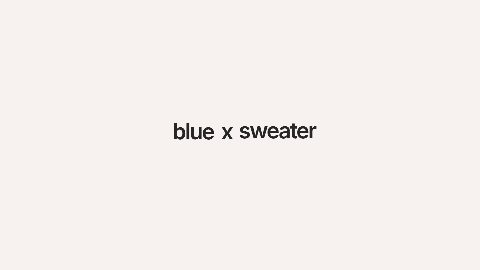
Warm AI creator intro sequence that resolves into an X follow card for @_blue_sweater_.
16:9 · 12 s · You change: intro title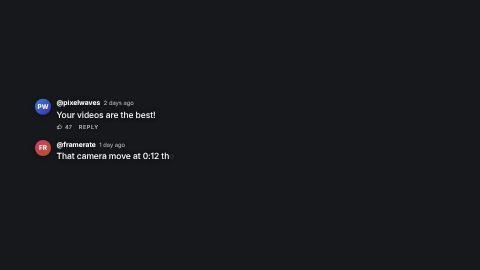
Social comments typing on over footage: avatar pop, username and time, per-character typewriter, likes row; image avatars or initials chips
16:9 · 8 s
Responsive REC, battery, editable date placeholder, and timeline-driven counter overlay for creator-camera and camcorder treatments
16:9 · 4 s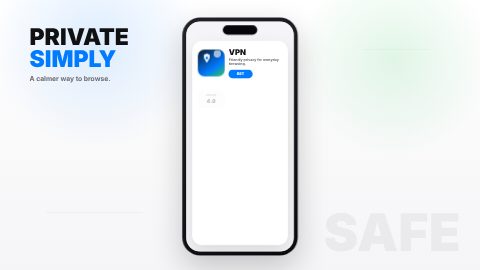
Snappy Apple-style YouTube insert showing a phone finding and installing a friendly VPN app with sound effects.
16:9 · 7 s · You change: progress textBlocks marked Ours are UGCLive's. The rest are from HeyGen's open-source HyperFrames registry (Apache-2.0, commit 1c3fcf4), with their authors' descriptions.
On YouTube the first seconds decide whether people stay, so a long logo sting before the hook costs viewers. Keep a logo intro short, or put it after the hook, where it marks the start of the video proper. The logo intro sequence and extruded logo run five to six seconds; trim them on the timeline if that's too long.
When you paste a script that ends on a call to action ("Follow for more"), the planner turns that last scene into our outro card with your channel's words. In the editor, the Ending pack puts a quote, the follow card and the outro in a row.
Five to twenty seconds. YouTube's end screen elements can show in the last 5 to 20 seconds of a video, so a long video's outro should leave that much room; a Short needs only a second or two.
No. The outro is part of your video file. The end screen is the set of clickable elements (videos, subscribe, playlists) YouTube Studio lays over its last seconds.
The follow card takes a name, a handle and a follower count that ticks up, with a Follow button that gets pressed.
Updated 29 October 2026
Upload a video or paste a script, then say the edit. Our AI makes it on a timeline you can still change.
Try for free