Ours
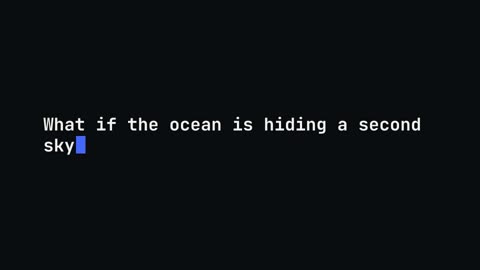
Typewriter
A line typed out letter by letter with a blinking cursor.
16:9 · 4 s · You change: textTemplates
Show the code changing, instead of a screenshot of it.
Developer videos live or die on whether viewers can follow the code. These templates type code out, highlight the line that matters, scroll to it, show a diff, morph the old version into the new one, or set a snippet in a terminal or editor window.
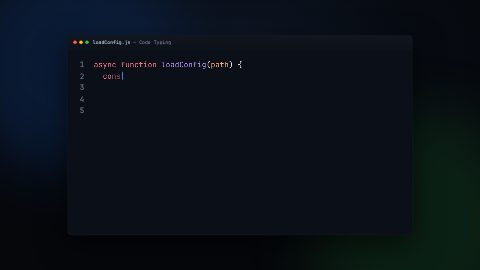
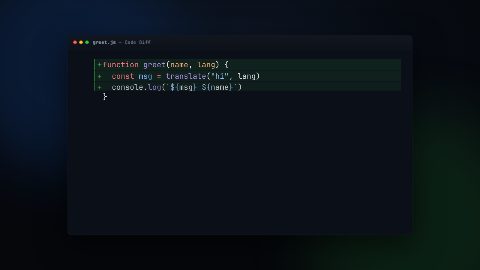
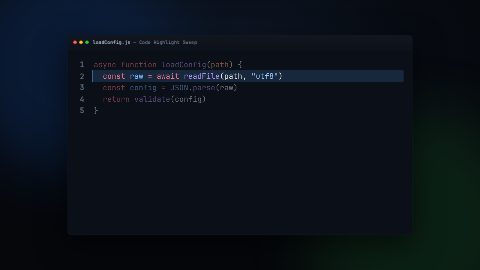
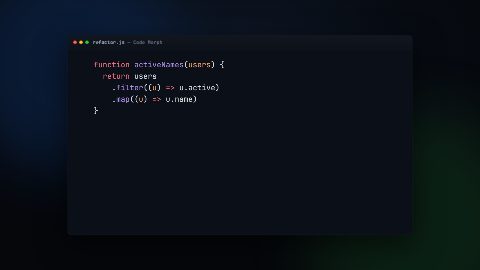
Open Graphics in the editor to change any of them, see it play, and render it into your video.
A line typed out letter by letter with a blinking cursor.
16:9 · 4 s · You change: textToken-streamed typing reveal with a caret that tracks the frontier — deterministic, no CSS animation.
16:9 · 5 sAn edit shown as a colored diff — removed lines collapse in red, added lines expand in green.
16:9 · 6 sA highlight band sweeps across a target line while the surrounding context dims — draws the eye to one line.
16:9 · 5 sOne snippet transforms into another — tokens glide between positions, leavers fade out, enterers fade in. Shiki Magic Move re-driven as a paused GSAP timeline.
16:9 · 7 s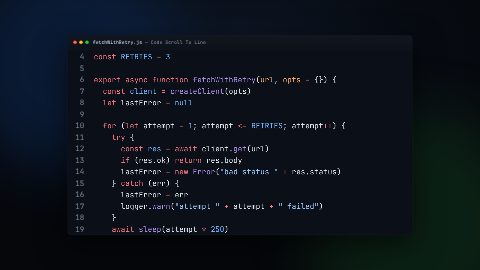
The camera scrolls a long file to bring a target line to center and spotlights it — for walking through real modules.
16:9 · 6 s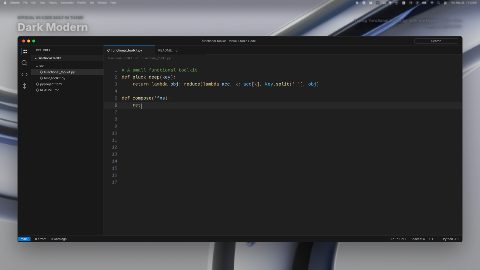
VS Code workbench with per-character typing animation in the Dark Modern theme. Full editor chrome with activity bar, sidebar, tabs, terminal, and status bar.
16:9 · 11 s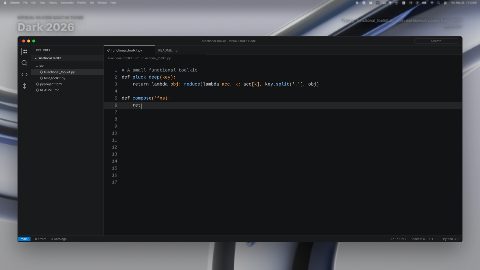
VS Code workbench with per-character typing animation in the Dark 2026 theme. Full editor chrome with activity bar, sidebar, tabs, terminal, and status bar.
16:9 · 11 s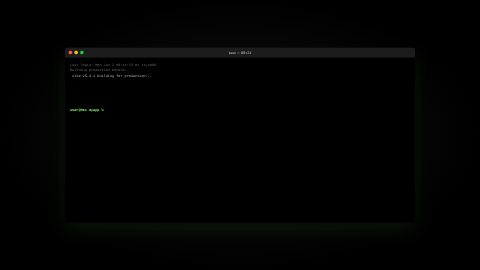
Apple Terminal Pro profile: black background with grey text and lime green cursor, per-character typing animation of a shell session.
16:9 · 12 s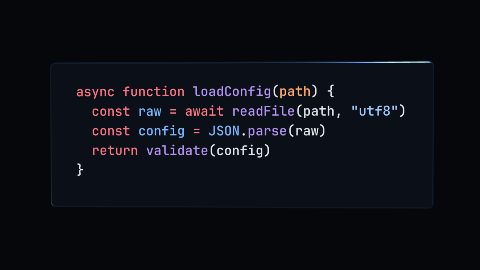
Syntax-highlighted code on a lit, beveled 3D slab that rotates through real space and settles to a readable rest — true WebGL depth and lighting, not a 2D transform.
16:9 · 8 s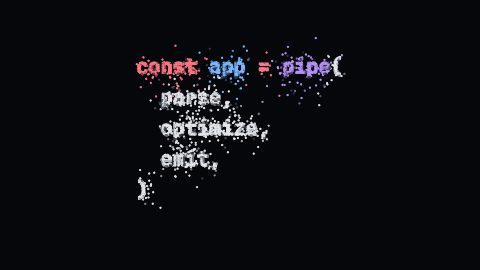
Thousands of GPU points scatter through space and fly to the exact glyph pixels of the code, resolving into readable syntax-highlighted text — a particle system, not a token tween.
16:9 · 8 s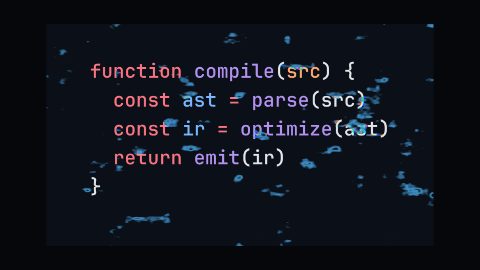
The code compiles into existence: a GPU fragment shader resolves it out of seeded noise with a chromatic dissolve front and edge glow, then holds crisp.
16:9 · 7 s
A tiled headline surface flips cell by cell under a sweeping depth field to reveal the rear headline.
16:9 · 8 s · You change: copy - front headline, copy - rear headline, motion - sweep direction, motion - sweep duration…Blocks marked Ours are UGCLive's. The rest are from HeyGen's open-source HyperFrames registry (Apache-2.0, commit 1c3fcf4), with their authors' descriptions.
| You're explaining | Use |
|---|---|
| Writing something from scratch | Code typing |
| One line in a long file | Code highlight sweep, code scroll to line |
| A change or a fix | Code diff, code morph |
| A command and its output | Code snippet in an Apple-style terminal |
| A launch or a title moment | Code 3D extrude, code particle assemble, code slice hero |
The snippet blocks set code in a dark editor window or a terminal, with syntax colours, so a tutorial looks like the tools viewers use. Keep each snippet to what fits on a phone: ten or twelve short lines.
A good rhythm for a coding video: the screen recording for the doing, a code animation for the idea. Cut away to the animation when you explain why a change works, then back to the recording when you run it.
The 3D extrude, particle assemble and shader dissolve blocks are for the moment code becomes the product: a release video, a changelog, a conference talk's opener. They're heavier renders, so keep them to a few seconds.
Not into these blocks yet: they show their designers' sample code. For your own lines, our Typewriter block types out any text you give it in a monospaced face.
Not much past a dozen lines. Show the part you're talking about, and use the highlight or scroll blocks to point at one line.
For the developer side, yes. For the product itself, a screen recording with callouts and lower thirds usually reads better.
Updated 29 October 2026
Upload a video or paste a script, then say the edit. Our AI makes it on a timeline you can still change.
Try for free