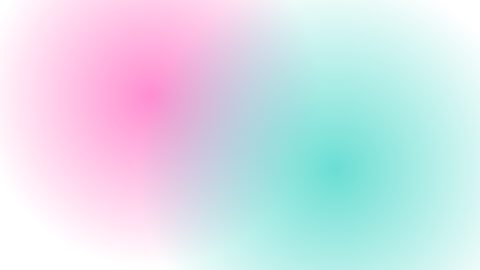
Minimal Gradient Background
Procedural soft-blob gradient backdrop in a minimalist presentation style: two radial blobs drifting over a base color, with an animatable rounded-card bar mask and optional frosted-glass mode
16:9 · 10 sTemplates
Something gentle moving behind the words, so a still card doesn't feel still.
A motion background is a slow, looping animation behind text or a product: a drifting gradient, a halftone pattern, stars, snow or a soft light flare. Use one under a title card, a quote or a list, or as the ground of a whole explainer.
Open Graphics in the editor to change any of them, see it play, and render it into your video.
Procedural soft-blob gradient backdrop in a minimalist presentation style: two radial blobs drifting over a base color, with an animatable rounded-card bar mask and optional frosted-glass mode
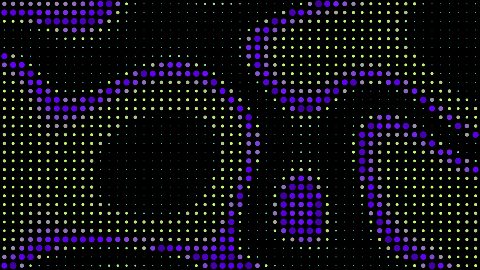
16:9 · 10 sA full-bleed halftone light field: a grid of dots whose size and colour track a slow flowing simplex-noise field, so broad bands of light sweep across a mostly-black frame like a giant LED wall showing a plasma. Built to run under type.
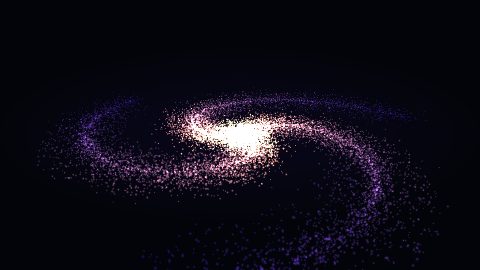
16:9 · 10 s · You change: field frequency, flow speed, cell size, gamma (midtone crush)…A spiral galaxy seen from outside, turning with real differential rotation: inner stars orbit faster than outer ones, so the arms wind up over the shot instead of spinning rigidly. 20,000 additive GPU sprites, seeded once and solved directly from time, so any frame can be rendered on its own.
16:9 · 10 s · You change: star count, arm count, rotation rate, core brightness…Seek-safe night-sky overlay: sparse or dense stars in three size tiers that twinkle and drift in two parallax layers, radial-masked to keep the frame center clear
16:9 · 6 s · You change: density, tone, twinkle speed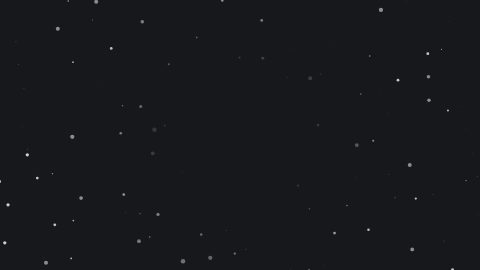
Seek-safe falling-snow overlay: sparse or dense flakes drift down with size, speed and opacity correlated per flake for depth, radial-masked so the frame center stays clear
16:9 · 6 s · You change: density, fall speed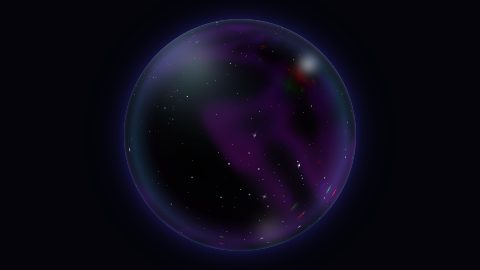
An iridescent soap-bubble planet: a slowly spinning sphere of nebula bands, dust lanes and twinkling stars wrapped in a refracting glass limb with chromatic aberration at the edge.
16:9 · 10 s · You change: nebula hue, accent hue, spin rate, star density…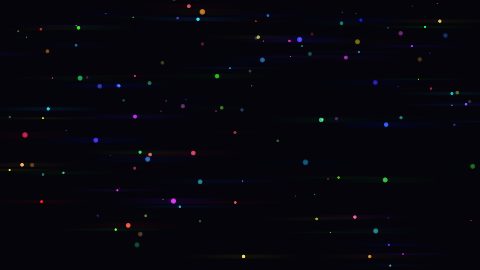
A drifting field of bright points, each one throwing the long horizontal blue-violet streak a real anamorphic cinema lens produces. Built from the measured filter constants: a 0.3 high-pass, 80 horizontal taps at quarter resolution, a samples/3 gain and a 0x7a8aff tint.
16:9 · 10 s · You change: streak intensity, high-pass threshold, streak length gain, streak tint…
Textured paper board: scanlines with slow drift, optional pixel grid, static grain, and display text with a blur-focus entrance and chromatic-fringe title
16:9 · 10 s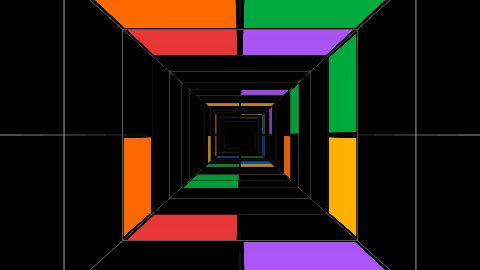
An infinite corridor of panels: a square tunnel receding to a vanishing point, its floor, ceiling and walls tiled with saturated colour slabs and caller-supplied images that swell toward camera and exit past you, the far end dissolving into fog.
16:9 · 12 s · You change: image slots: comma-separated paths, tiled into the panels (e.g. assets/shot-1.png,assets/shot-2.png), image share of filled slots (0 = all colour, 1 = all images), flight speed, slab palette: comma-separated hex colours…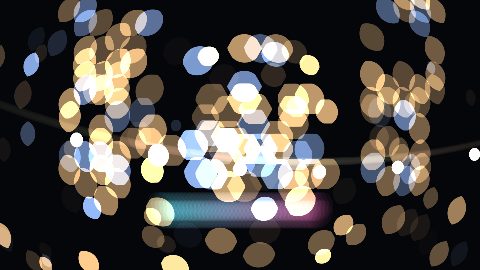
A focus pull with real aperture bokeh: the focal plane travels from a near subject to a far one, so one resolves as the other blows into hard-edged polygon discs that clip to a cat's eye toward the corners. A focus pull only reads against content at two clearly separated depths, so this block carries its own depth-layered night exterior and puts both subject depths on variables.
16:9 · 6 s · You change: near focal distance, far focal distance, focal length, aperture (f-number)…Blocks marked Ours are UGCLive's. The rest are from HeyGen's open-source HyperFrames registry (Apache-2.0, commit 1c3fcf4), with their authors' descriptions.
A background should never fight the words on top of it. The minimal gradient and the scanline board are quiet enough for any text. The halftone field, the cosmic orb and the anamorphic flare have more going on: use them for an intro or a title, and keep the text big.
Weather layers like snow and the starfield are overlays as much as backgrounds: they work over footage of a winter street or a night sky.
Our blocks don't need a separate background: in a script video every graphic is drawn over its own dimmed, slowly pushed picture, never a bare gradient, so a quote or a chart sits in the scene's world. In the editor you can put a library background on the track under a card when you want one.
Most backgrounds here run six to ten seconds. On the timeline, put two copies end to end or trim one to the length of what's on top.
A looping animated backdrop, like a moving gradient, particles or a texture, used behind text, logos or products instead of a flat colour.
Where the block exposes colours as variables, yes, in the Graphics panel; several take your video's accent automatically.
It can. Keep text large and short over the busier ones, or pick the minimal gradient for anything with more than a few words.
Updated 29 October 2026
Upload a video or paste a script, then say the edit. Our AI makes it on a timeline you can still change.
Try for free