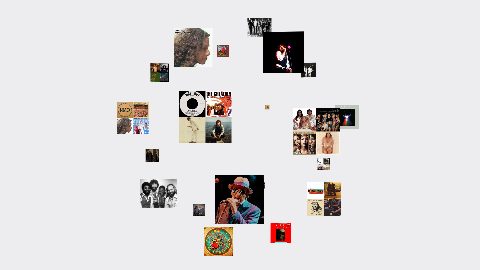
Orbit Carousel 1
Image cards on a spinning 3D Fibonacci sphere, billboarded to the camera, sized by camera distance (Orbit style 1); 24 image slots.
16:9 · 6 s · You change: 24 pictures, speed, backgroundTemplates
Several pictures in one moving shot, instead of a slideshow.
A carousel moves a set of pictures through the frame: around a circle, in orbit, along a path or through 3D space. Use one for a product's colours, a trip's best photos, a portfolio or a before-and-after set. Each design comes in five variations, and the text versions add a title in the middle.
Open Graphics in the editor to change any of them, see it play, and render it into your video.
Image cards on a spinning 3D Fibonacci sphere, billboarded to the camera, sized by camera distance (Orbit style 1); 24 image slots.
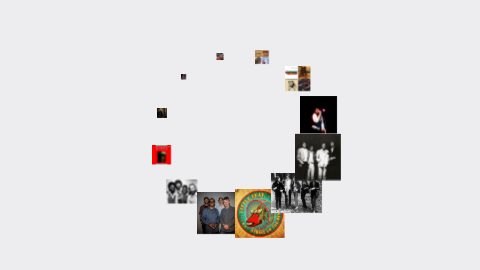
16:9 · 6 s · You change: 24 pictures, speed, backgroundImage cards ride a circle with a size gradient by depth angle, sweeping in fast-slow-fast swings (Circle style 1); 12 image slots.
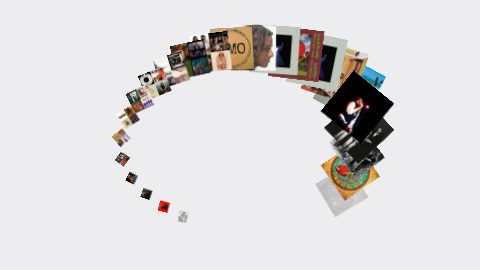
16:9 · 6 s · You change: 12 pictures, speed, backgroundImage cards ride an open bezier path (arc, V, diagonal, wave, S-curve) with depth scaling and tangent rotation (Path style 1); 24 image slots.
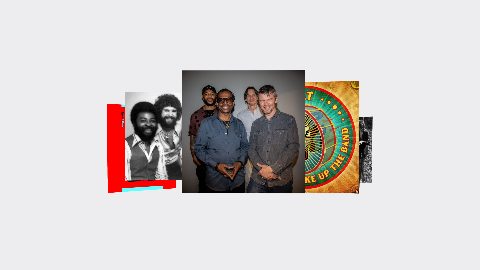
16:9 · 6 s · You change: 24 pictures, speed, backgroundA ring of large image cards tilted into a row under a 3D camera, each card turning toward the centre (Vision style 1); 12 image slots.
16:9 · 6 s · You change: 12 pictures, speed, background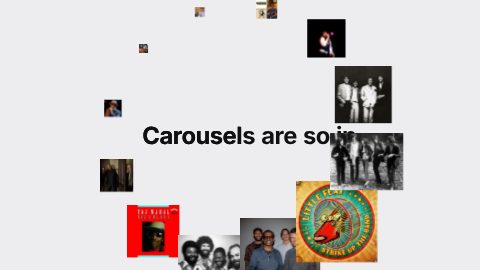
A headline mask-reveals word by word while a circle carousel converges from off-frame and threads the line, collapses to centre, hard-cuts to a second line that arrives at 1.4× (Circle style 1).
16:9 · 5 s · You change: 12 pictures, headline, second line, speed…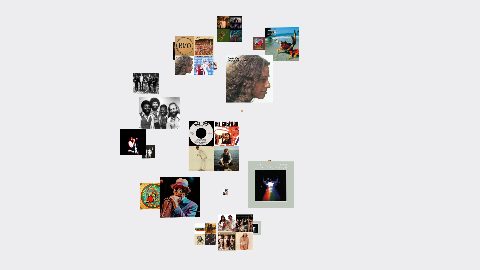
Image cards on a spinning 3D Fibonacci sphere, billboarded to the camera, sized by camera distance (Orbit style 2); 24 image slots.
16:9 · 6 s · You change: 24 pictures, speed, background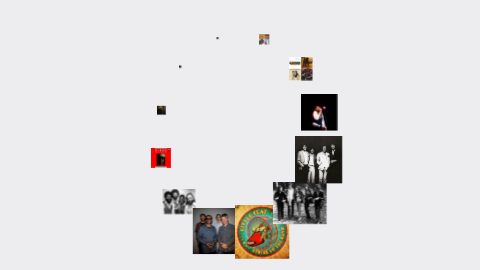
Image cards ride a circle with a size gradient by depth angle, sweeping in fast-slow-fast swings (Circle style 2); 12 image slots.
16:9 · 6 s · You change: 12 pictures, speed, background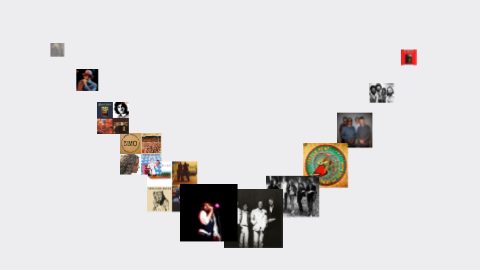
Image cards ride an open bezier path (arc, V, diagonal, wave, S-curve) with depth scaling and tangent rotation (Path style 2); 12 image slots.
16:9 · 6 s · You change: 12 pictures, speed, background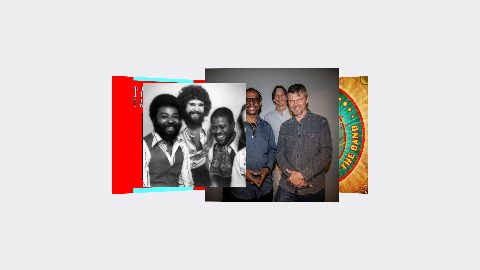
A ring of large image cards tilted into a row under a 3D camera, each card turning toward the centre (Vision style 2); 12 image slots.
16:9 · 6 s · You change: 12 pictures, speed, background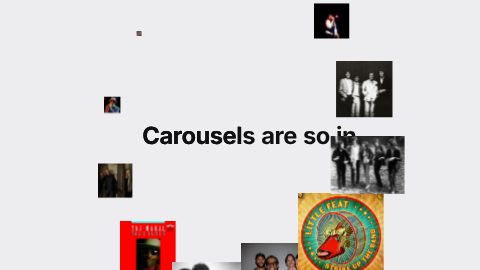
A headline mask-reveals word by word while a circle carousel converges from off-frame and threads the line, collapses to centre, hard-cuts to a second line that arrives at 1.4× (Circle style 2).
16:9 · 5 s · You change: 12 pictures, headline, second line, speed…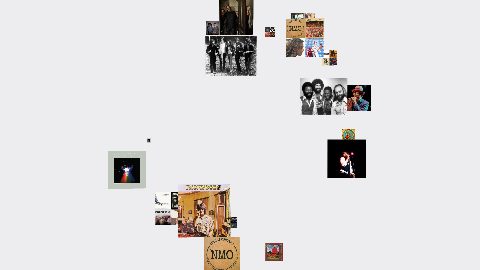
Image cards on a spinning 3D Fibonacci sphere, billboarded to the camera, sized by camera distance (Orbit style 3); 24 image slots.
16:9 · 6 s · You change: 24 pictures, speed, background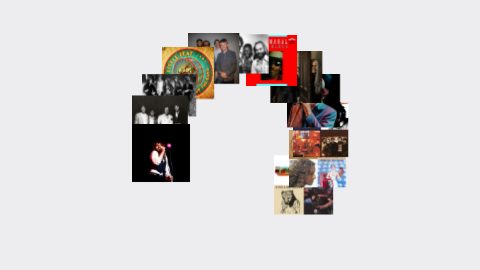
Image cards ride a circle with a size gradient by depth angle, sweeping in fast-slow-fast swings (Circle style 3); 12 image slots.
16:9 · 6 s · You change: 12 pictures, speed, background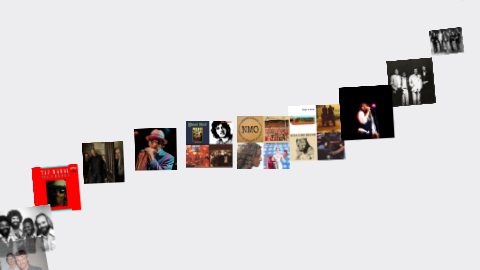
Image cards ride an open bezier path (arc, V, diagonal, wave, S-curve) with depth scaling and tangent rotation (Path style 3); 12 image slots.
16:9 · 6 s · You change: 12 pictures, speed, background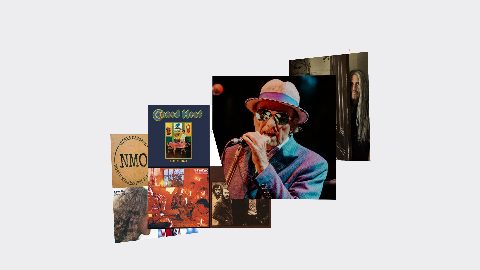
A ring of large image cards tilted into a row under a 3D camera, each card turning toward the centre (Vision style 3); 12 image slots.
16:9 · 6 s · You change: 12 pictures, speed, background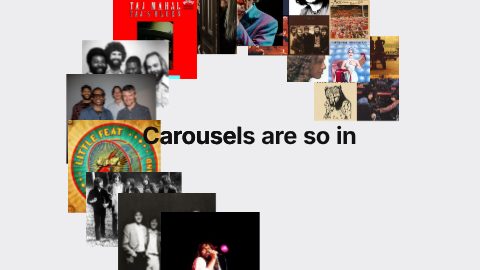
A headline mask-reveals word by word while a circle carousel converges from off-frame and threads the line, collapses to centre, hard-cuts to a second line that arrives at 1.4× (Circle style 3).
16:9 · 5 s · You change: 12 pictures, headline, second line, speed…Blocks marked Ours are UGCLive's. The rest are from HeyGen's open-source HyperFrames registry (Apache-2.0, commit 1c3fcf4), with their authors' descriptions.
| Carousel | Moves | Good for |
|---|---|---|
| Circle | Pictures turn around a centre | A collection, a colour range |
| Orbit | Pictures orbit in 3D, near ones bigger | Products, portfolios |
| Path | Pictures travel along a curve | A sequence, a trip, steps |
| Vision | Pictures float in depth | A hero moment, a launch |
| Text + circle | Pictures circle a title | A title card with pictures |
The text and circle carousels put your headline in the middle and the pictures around it, so one shot does the job of a title card and a gallery. They suit list videos ("5 places to see in Lisbon") and product drops.
Every carousel has twelve picture slots (the orbit designs have 24), plus its speed and background colour. Add your photos in the Graphics panel and the preview shows them in motion before you render. Square or near-square pictures sit best.
Twelve in the circle, path, vision and text designs, and 24 in the orbit designs.
Yes. They're drawn 16:9 and fit or fill a 9:16 frame; the circle and text designs keep their pictures nearest the centre, so they crop best.
A slideshow shows one picture after another. A carousel keeps several on screen and moves them together, which feels like one shot.
Updated 29 October 2026
Upload a video or paste a script, then say the edit. Our AI makes it on a timeline you can still change.
Try for free